
Network connection of the student residences
The following halls of residence/halls of the Student Services are provided with an internet connection via the University Computer Centre(usually without W-LAN):
- Fleischerwiese (incl. W-LAN)
- Geschwister-Scholl-Straße
- Hans-Beimler-Straße
- Johann-Sebastian-Bach-Straße (incl. W-LAN)
- Makarenkostraße 47 (incl. W-LAN)
Each room in these halls of residence/halls has a wired data connection. These data connections are protected against attacks from the internet by a central firewall and form their own security zone within the university network. To access the internet, you need to log in with the central URZ account. If required, access to the university intranet is only possible via a VPN access
In many cases, a VPN is no longer necessary to access online publications to which the Greifswald University Library has subscribed, as authentication via Shibboleth takes place.
Internet connection faults are handled by the University Computer Centre from Mon-Thu (no public holidays) between 8:30-15:30 and on Friday between 8:30-11:30. Please use the ticket system of the groupware for fault processing.
Network configuration
The configuration settings for using the data network are provided by central DHCP servers. Therefore, please configure your PC so that it obtains its IP address automatically.
Systems that interfere with the data network are automatically recognised and switched off from the data network for 24 hours.
Get access
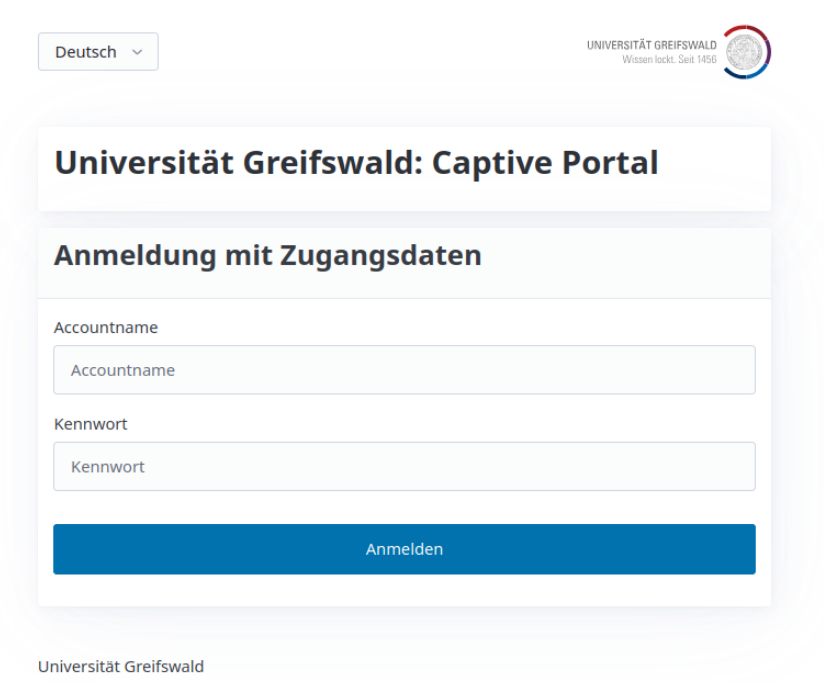
To access the Internet, you need a LAN cable and a central URZ user account. Before attempting to connect, you should therefore ensure that the account has been activated.
Access to the Internet is via a captive portal. Normally, the web interface of the captive portal should open directly when connecting to the data network. If this is not the case, please navigate to https://connect.uni-greifswald.de using your browser. You will then be redirected to the secure login. Here you must log in with your central URZ user account.
As exceptions, the account management and the ticket system in the University Computer Centre's groupware can be accessed without logging in, so that you can, for example, change your initial password, request a user account or report a problem.
Device registration is not necessary in the student residence!