FreeOTP: Set up of the Application
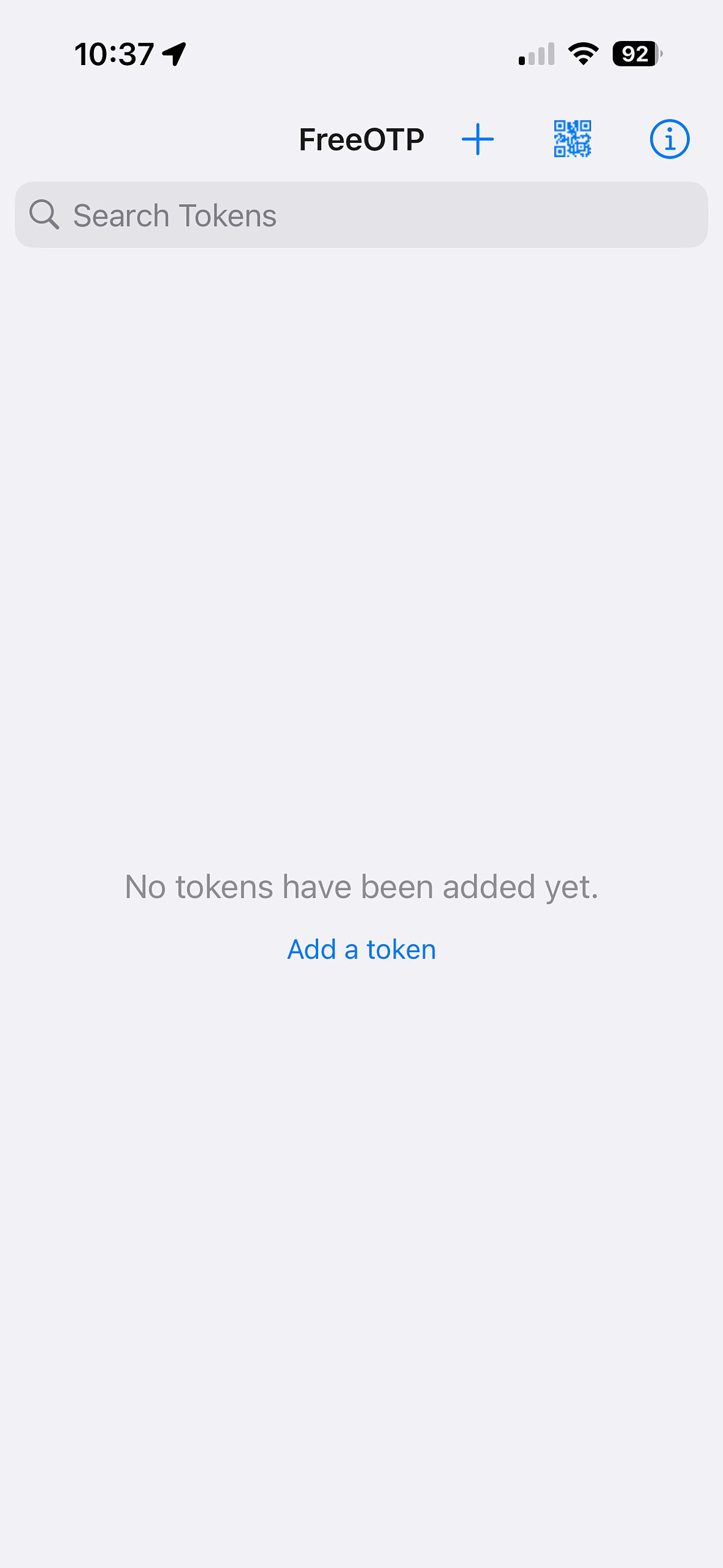
After installing FreeOTP, you will initially see an empty database.
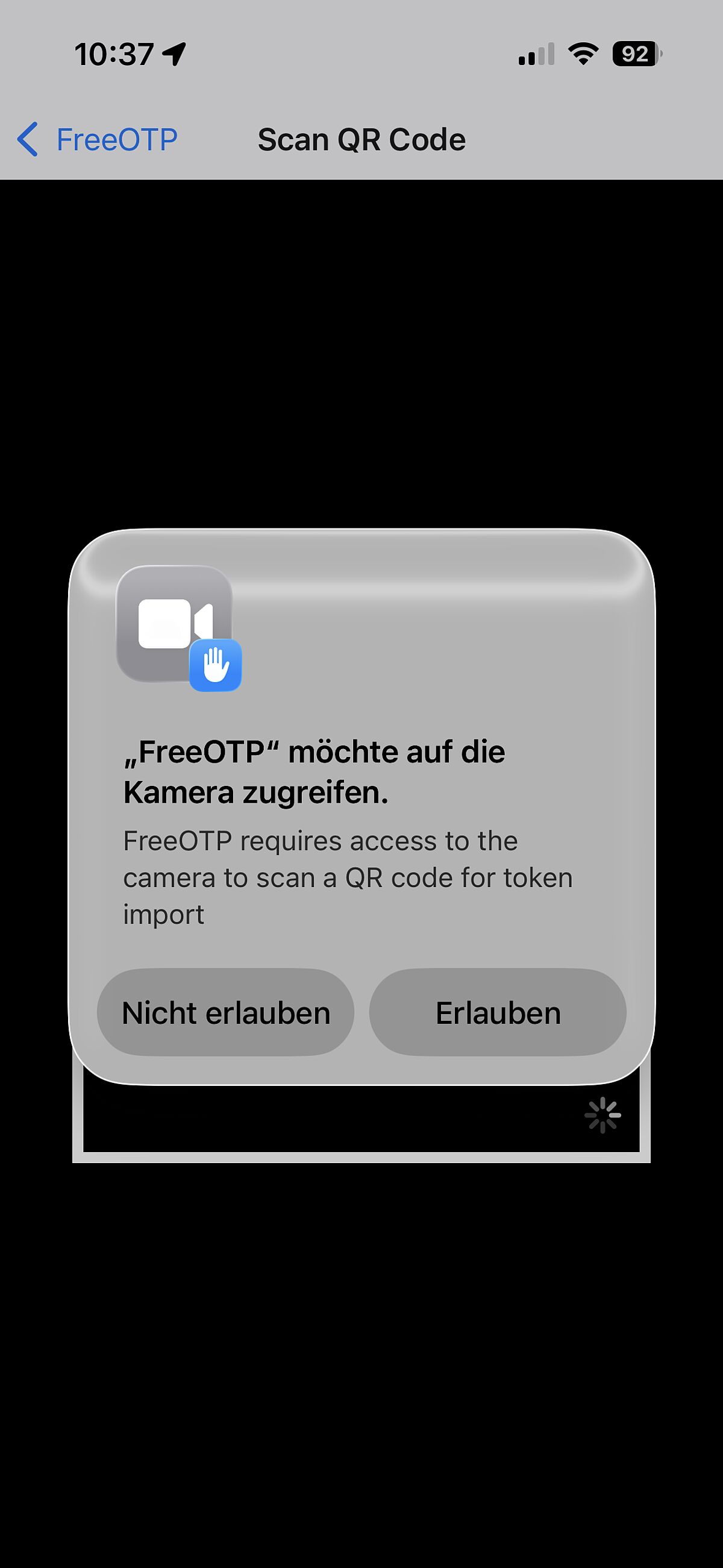
In order to create entries using a QR code, you must first grant permission to use the camera. Depending on your operating system, this is done when you start the app or when you select the QR code.