
FreeOTP: Set up Database Entry
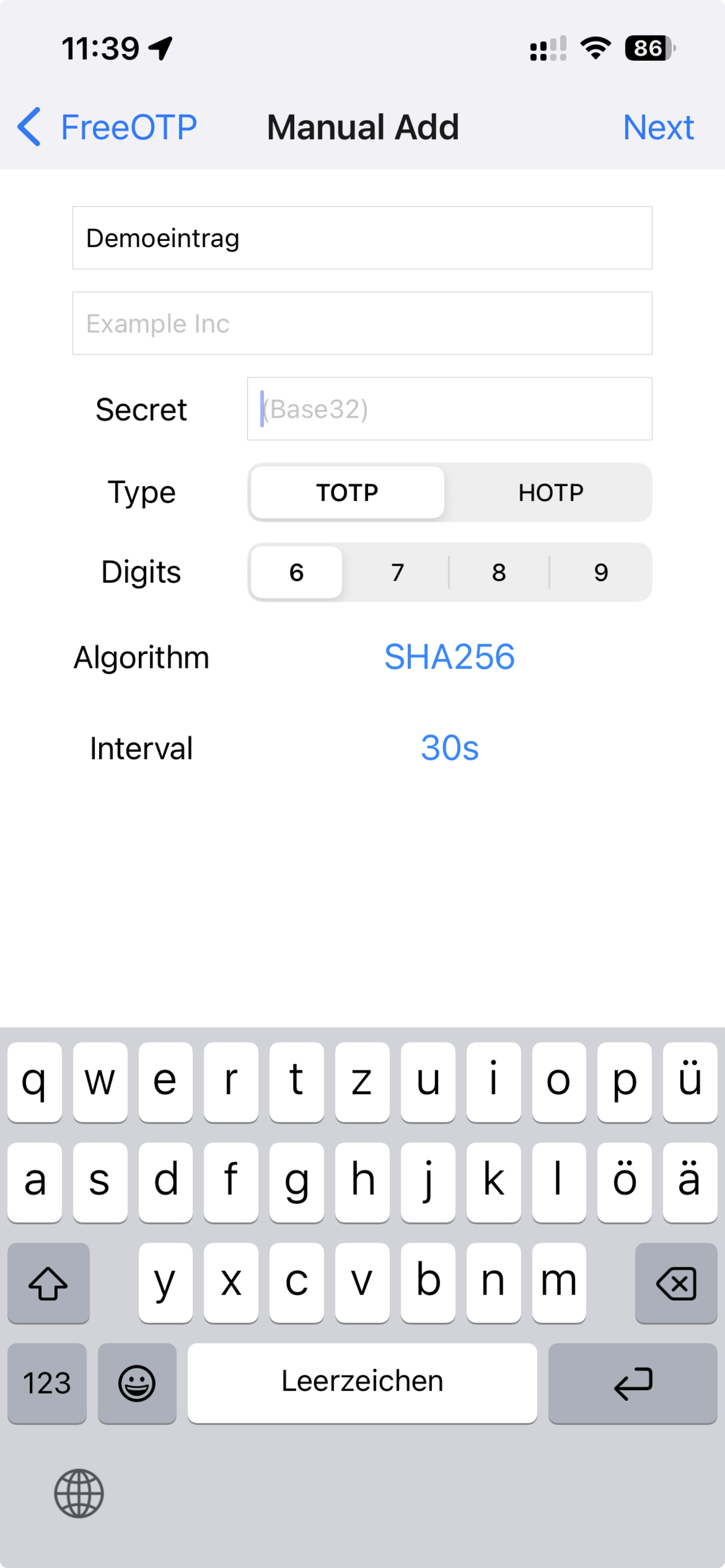
A new entry in FreeOTP can be created either manually by entering the relevant parameters or via the camera app and a displayed QR code.
Please note that not every application supports setup via QR code!
When copying the TOTP secret of the application to be protected (e.g. account management) into the Secret Key field, please ensure that there are no spaces at the beginning or end.