After opening the previously created or existing database in KeePassXC, TOTP must be configured for an entry. It is recommended to first change a global time setting.
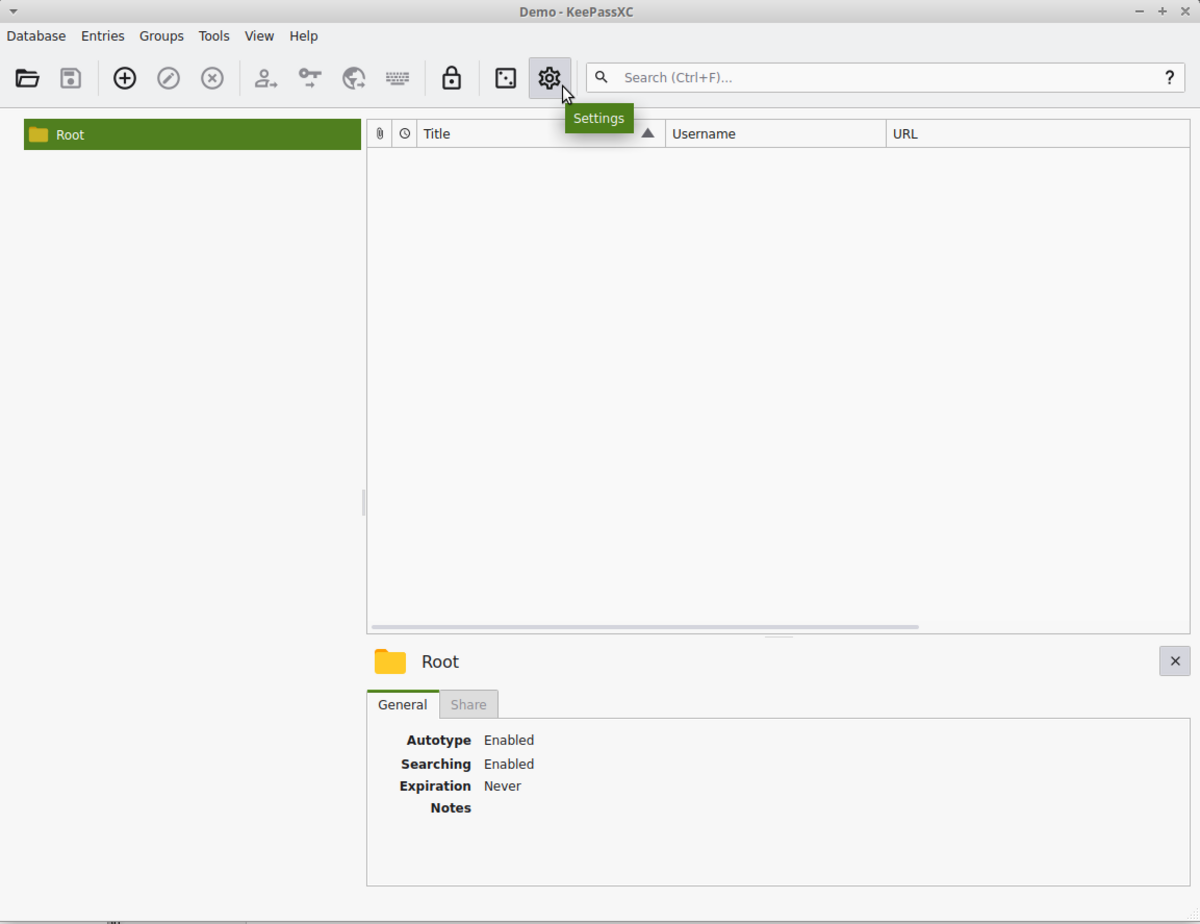
1. Open the central settings via the cogwheel icon.
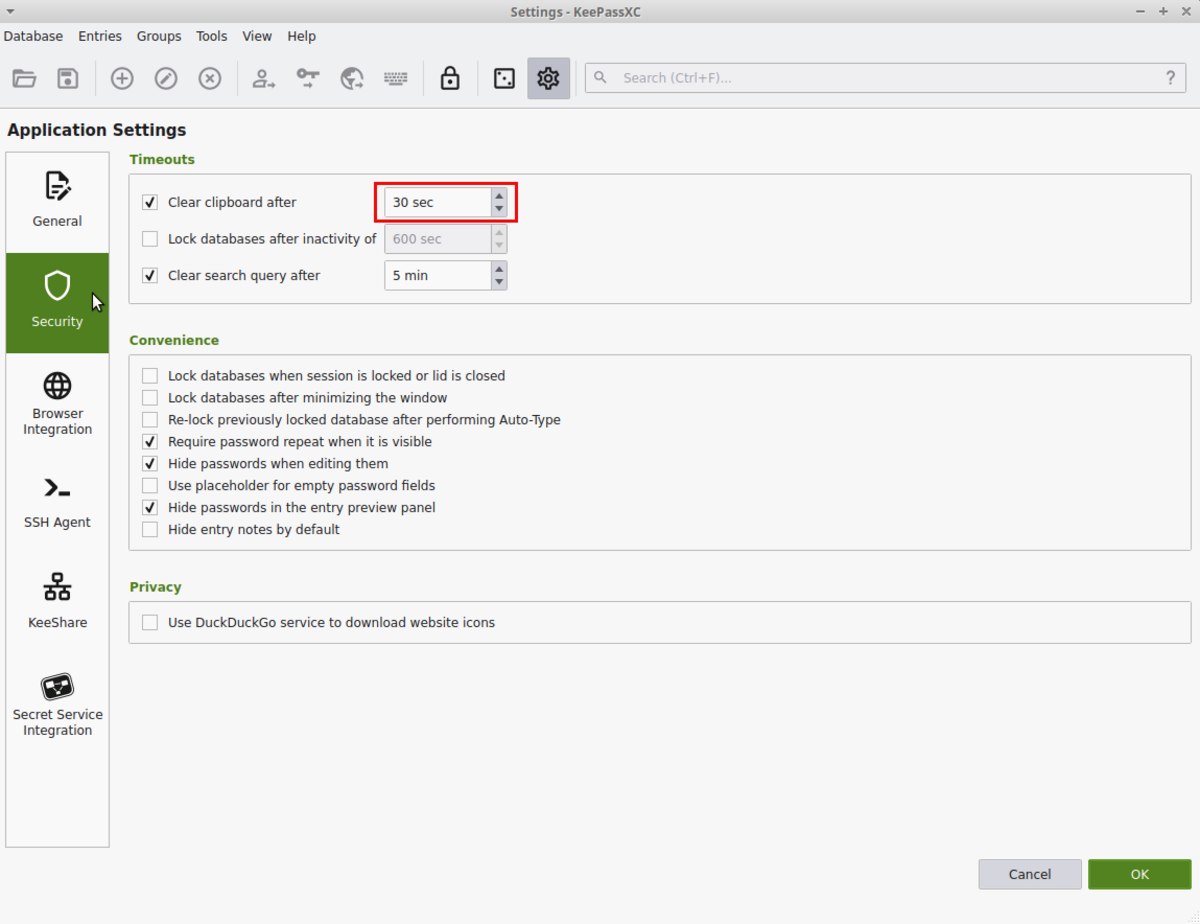
2. Select Security on the left and change the value marked in red to, for example, 30 seconds.
Once the settings have been closed again, a database entry can be created and configured in the previously created or existing database. If an entry already exists, steps 1 and 2 can be skipped.
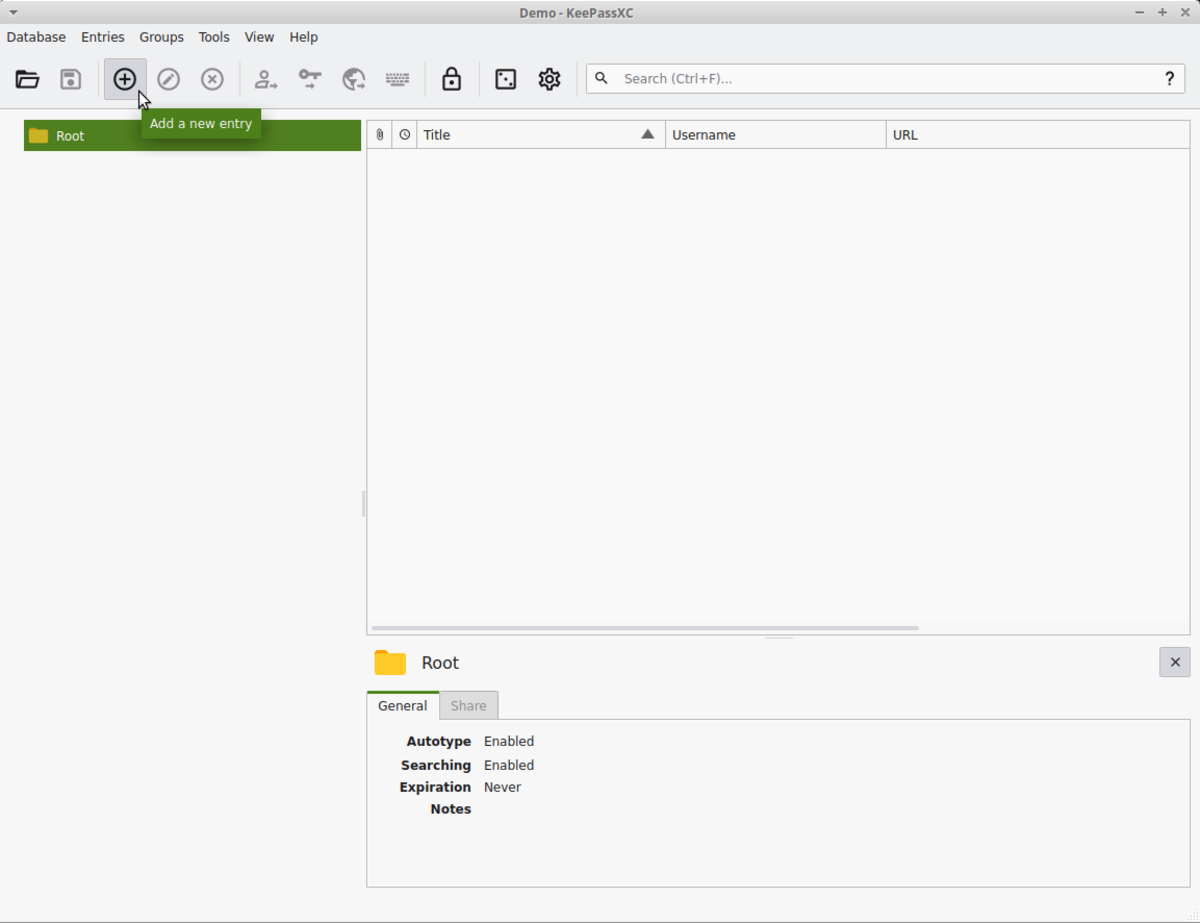
1. Creating a new database entry.
2. Any title can be assigned to the new entry.
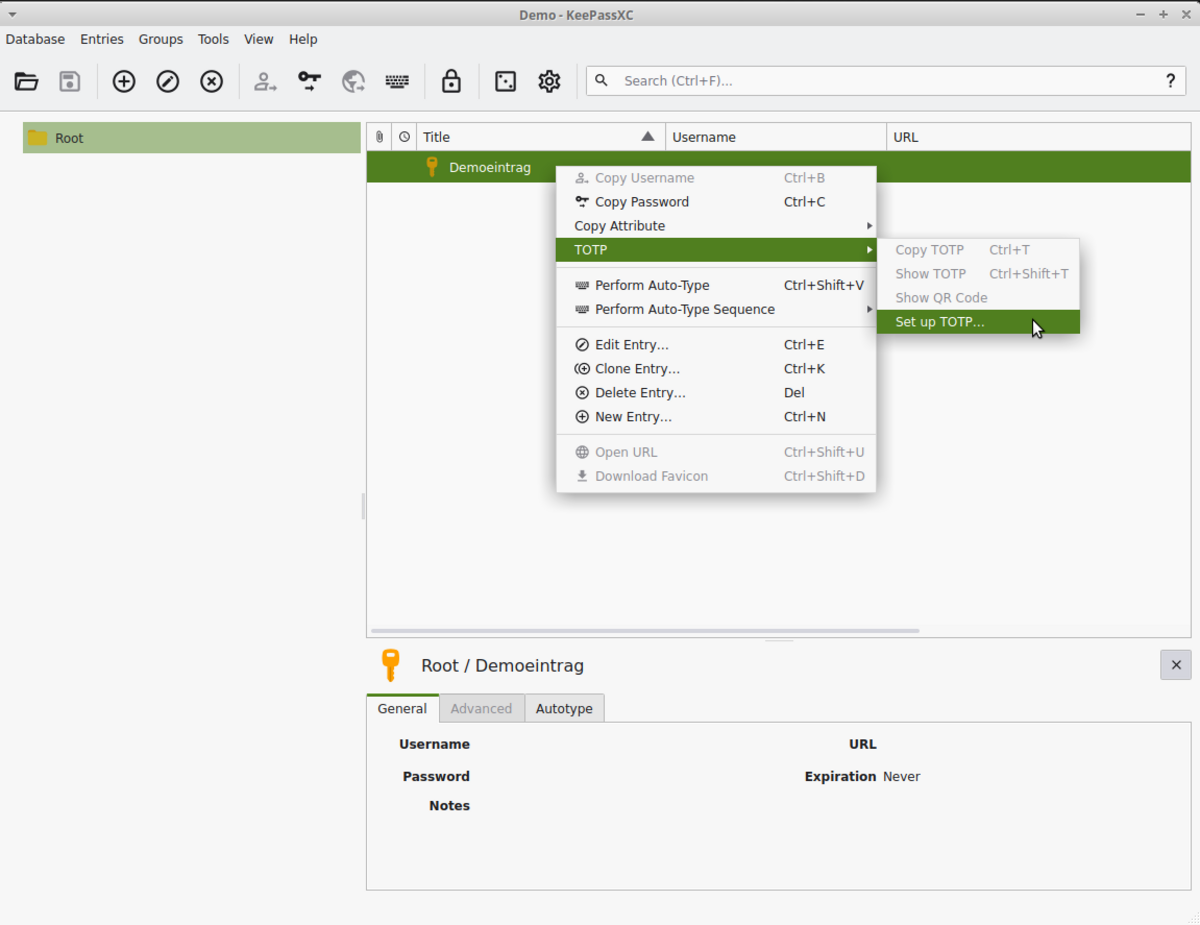
3. Call up TOTP configuration for a database entry.
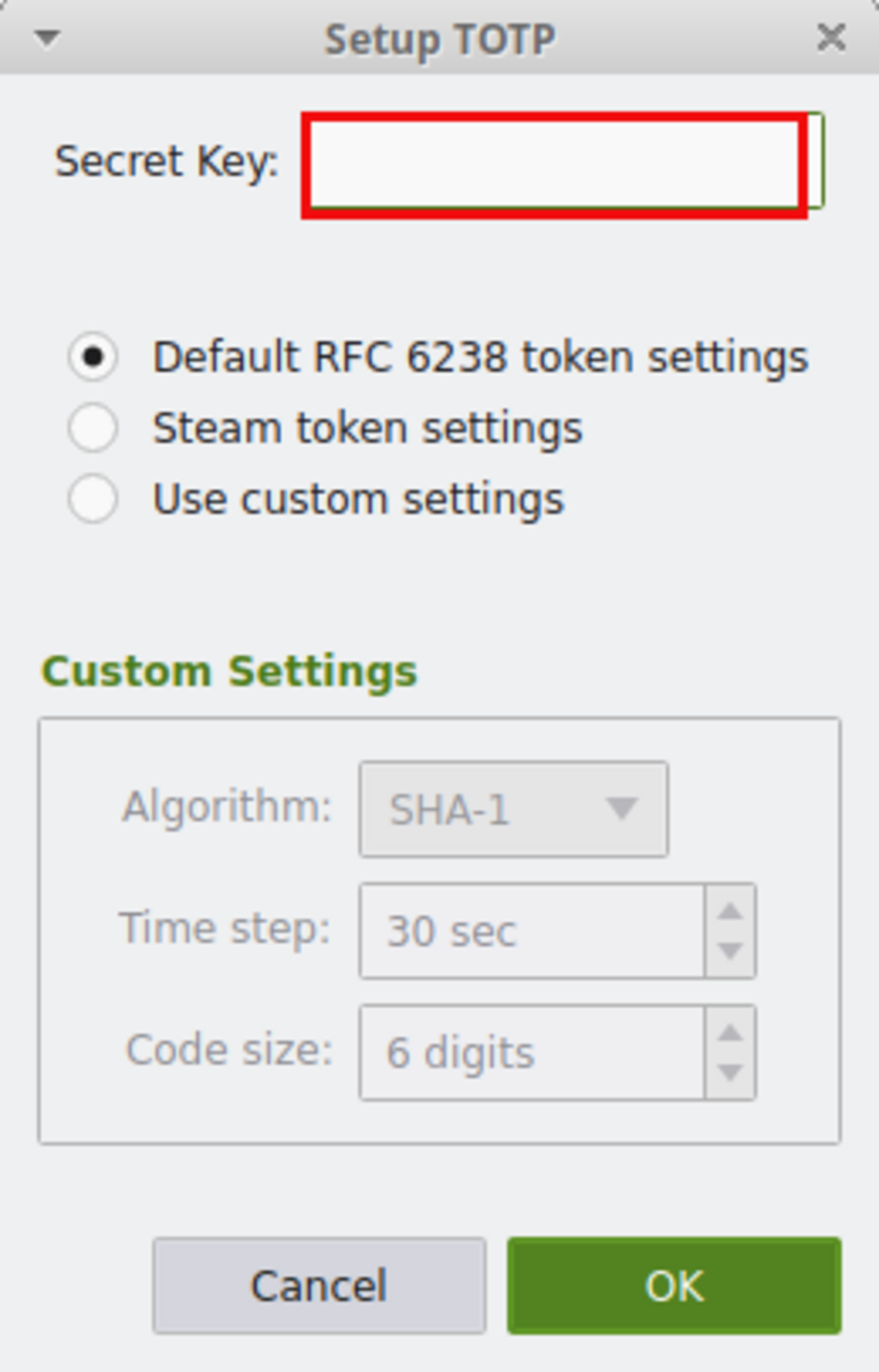
4. Enter the TOTP secret that you received from the application you want to protect.
When copying the TOTP secret of the application to be protected (e.g. account management) into the Secret Key field, please ensure that there are no spaces at the beginning or end.
Support for CAMPUS IT Problems (Computer Centre Central Services)