Two-Factor Authentication
In addition to your password, your central user account is protected by a second factor. When you log in to account management for the first time, you must activate the second factor (TOTP). This requires the preparation of TOTP-enabled software.
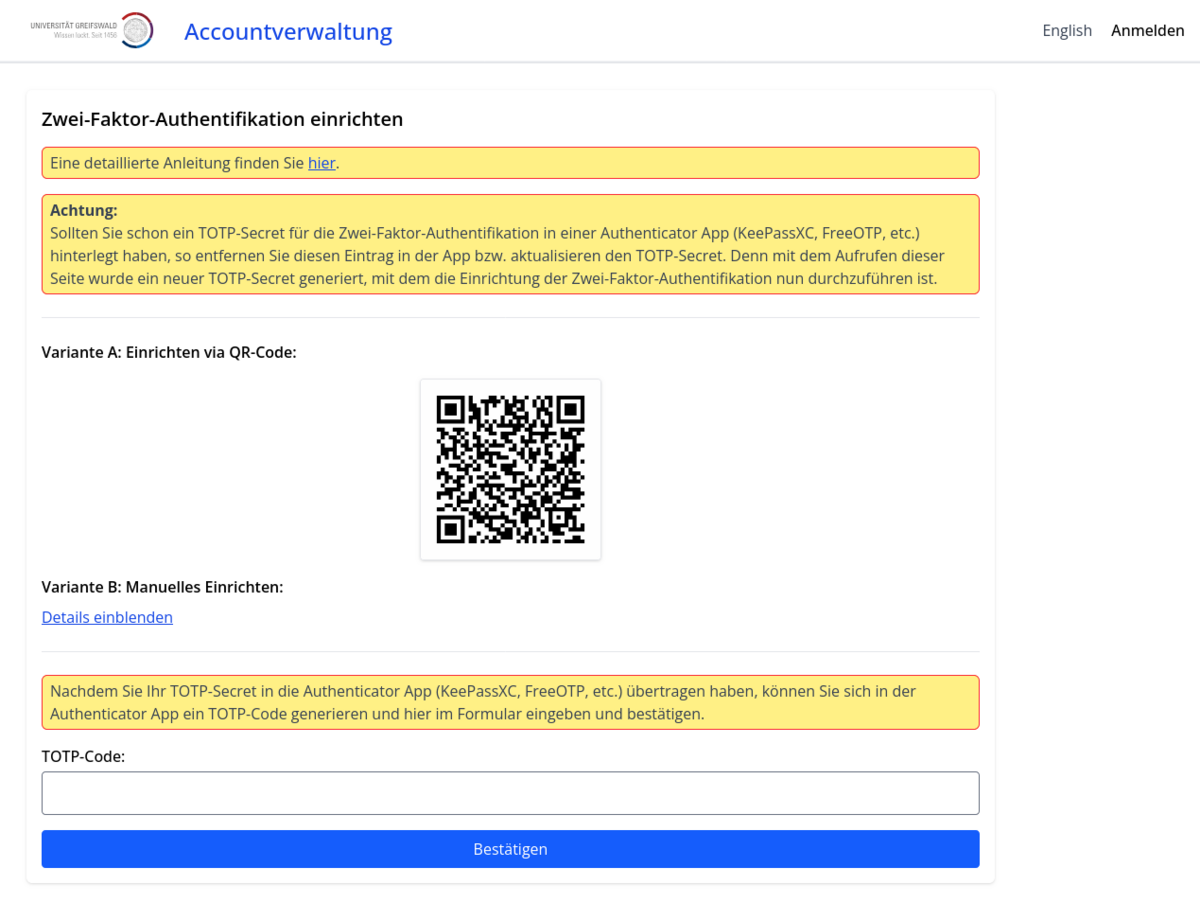
After successfully entering your username and password, the TOTP setup dialogue will be displayed. You have two options:
- Option A: Scan the QR code with TOTP-enabled software (e.g. FreeOTP).
OR
- Option B: Click on Show details, copy the TOTP secret into TOTP-enabled software (e.g. KeePassXC)
As last step enter a generated TOTP code for confirmation.