Important note for Outlook on macOS
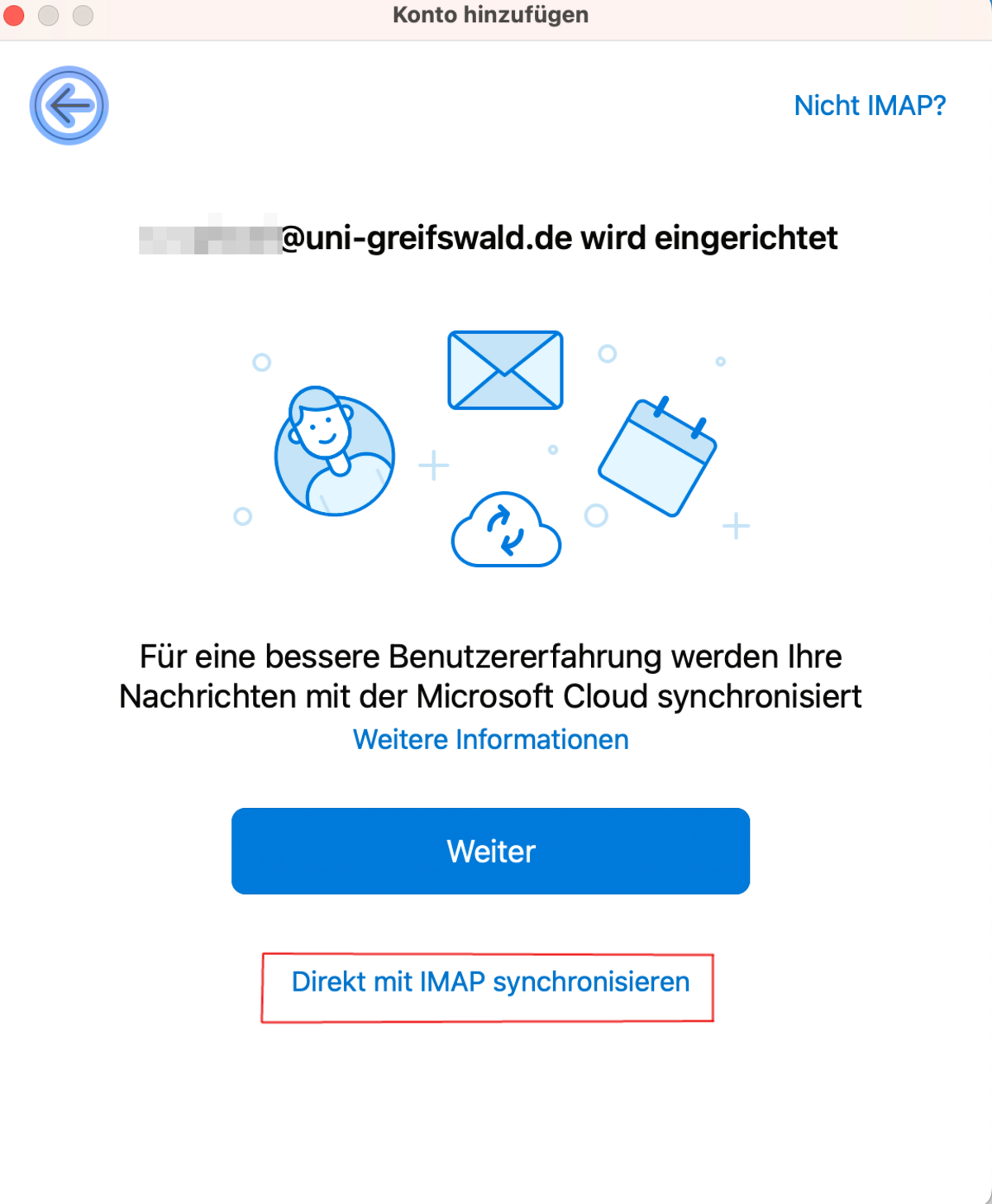
When setting up a new account in Outlook on macOS, you must take particular care with the configuration. First, select IMAP as the account type. In the second dialogue box, you must select Synchronise directly with IMAP.
Under no circumstances should you click Next! If you do, Microsoft will access your entire mailbox, including your university login details!