Security notice: Outlook
The new Outlook app / Outlook (new) sends all email data, including login details, to Microsoft. This behaviour constitutes a breach of § 6(2) Sentence 3 URZ Regulations.
The application must therefore not be used in connection with the university email account.
The “Outlook Classic” versions in MS Office LTSC (Campus licence) are currently still exempt. Support for this version of Outlook will end on 9 October 2029. After that date, as things stand, Outlook may no longer be used at the University of Greifswald.
Ideally, you should switch to a data protection-compliant alternative in good time.
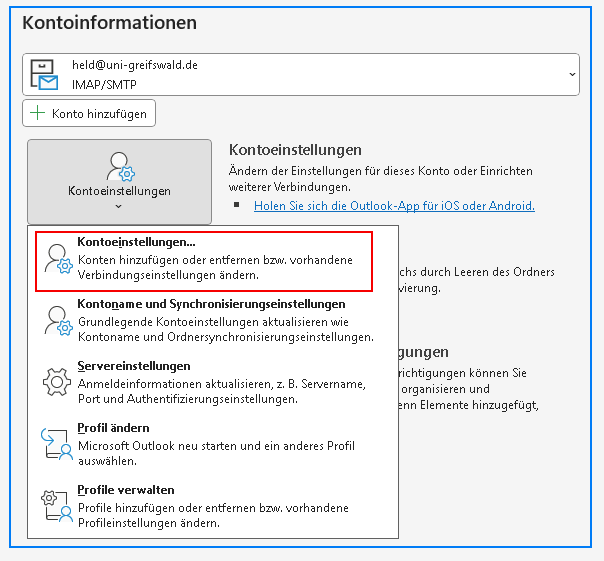
To set up a new account, click on File and select Add Account under Account Information on the right.
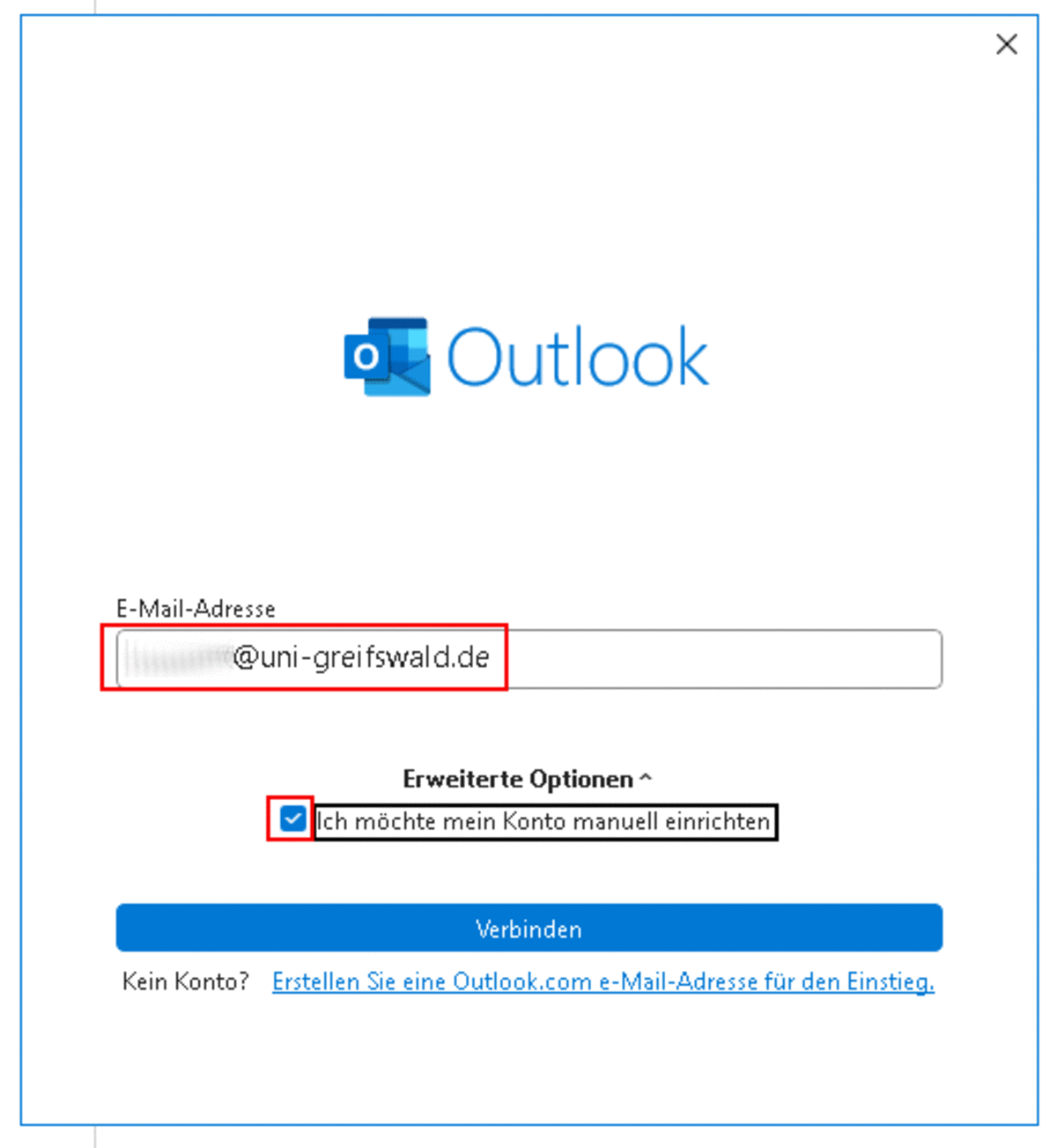
Unfortunately, the software does not allow you to specify a username during account setup. It is therefore essential that you enter the account’s email address in the format USERNAME_URZ@uni-greifswald.de. This is not usually your email alias FIRSTNAME.LASTNAME@uni-greifswald.de.
You must now tick the box so that you can configure your email account manually.
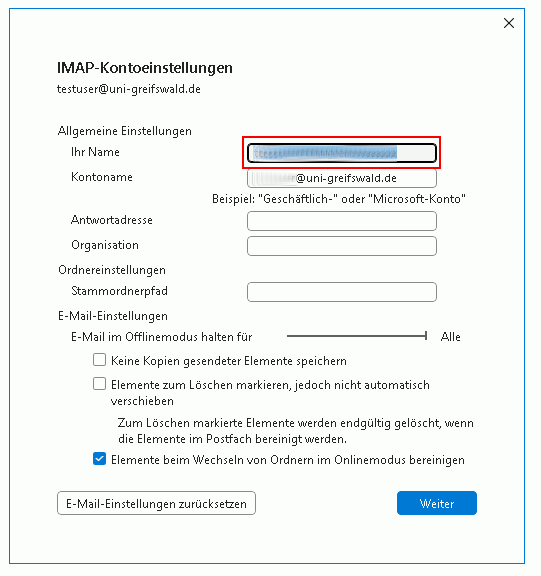
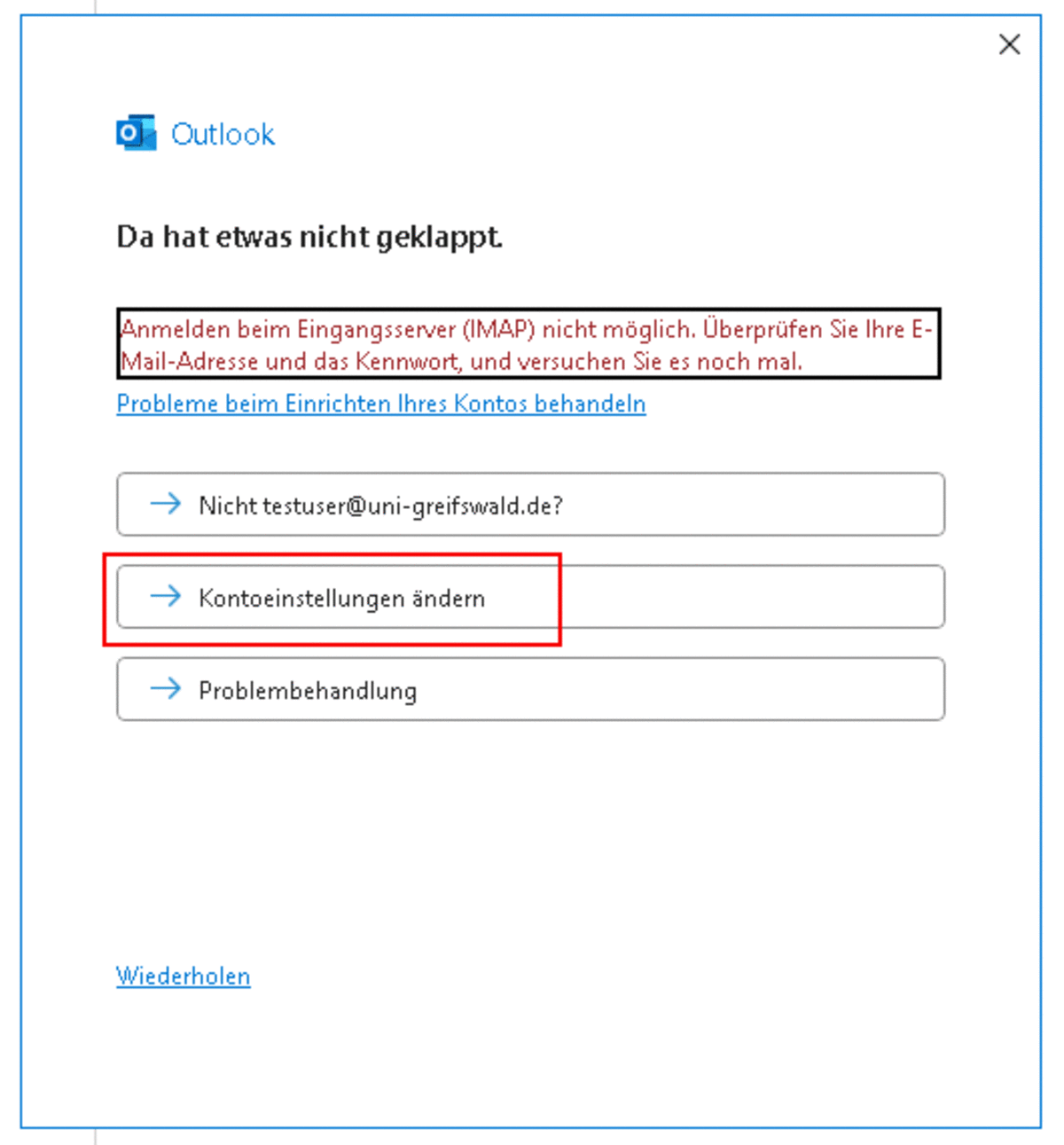
Please select IMAP and enter an app password in the next window.

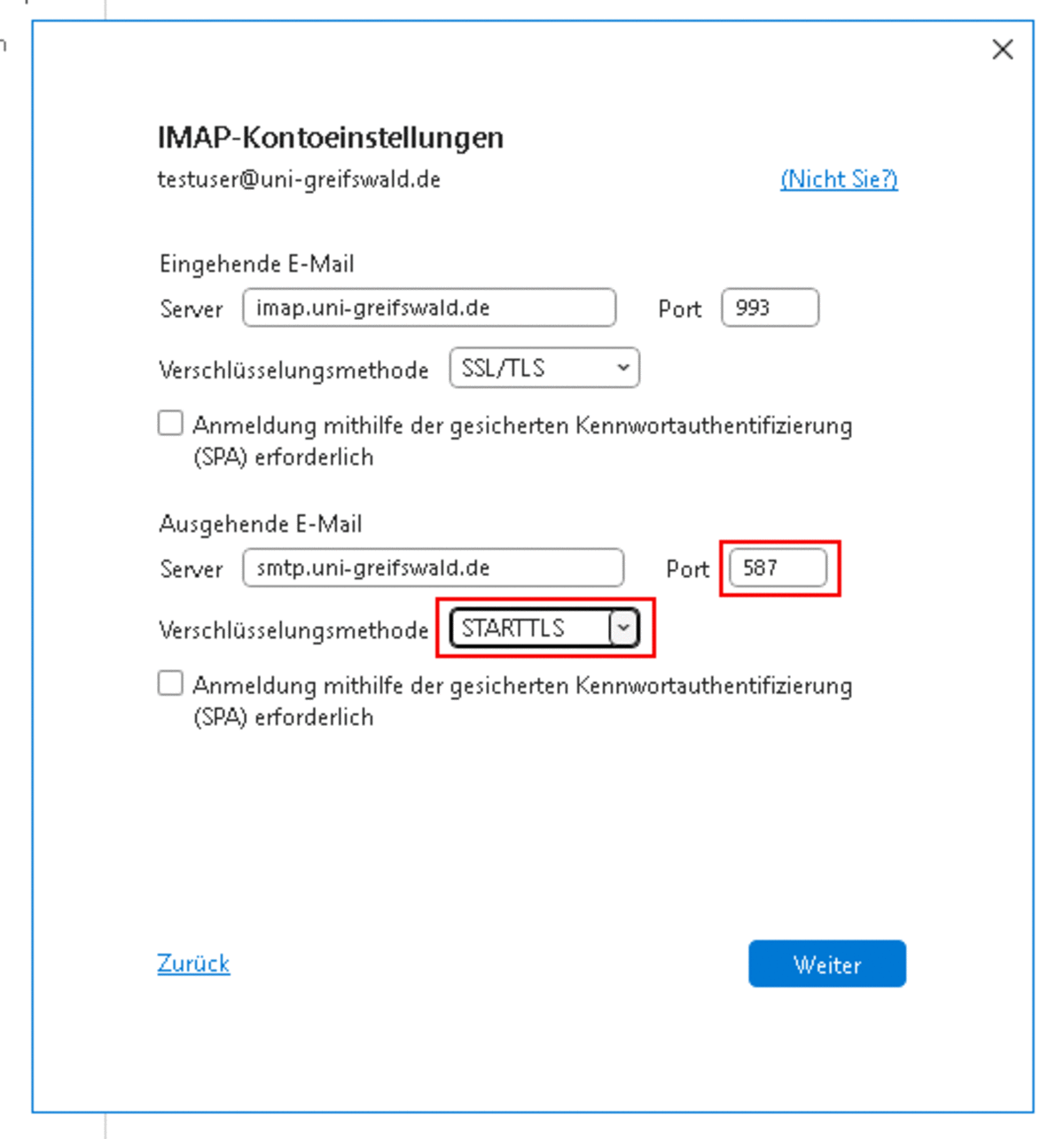
Please enter 587 as the port for the outgoing mail server and STARTTLS as the encryption method.
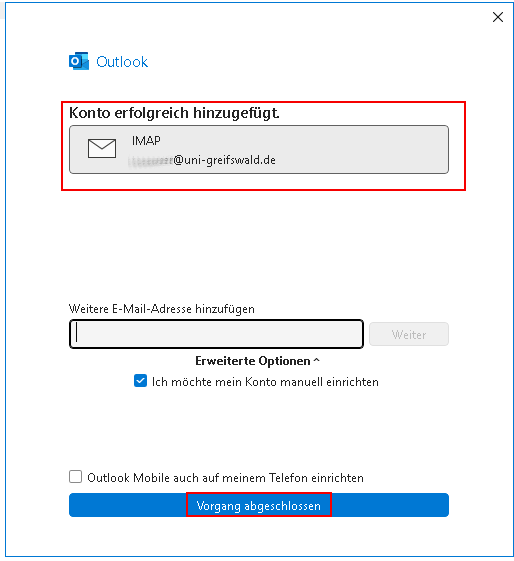
In the next window, you will need to enter your app password again.