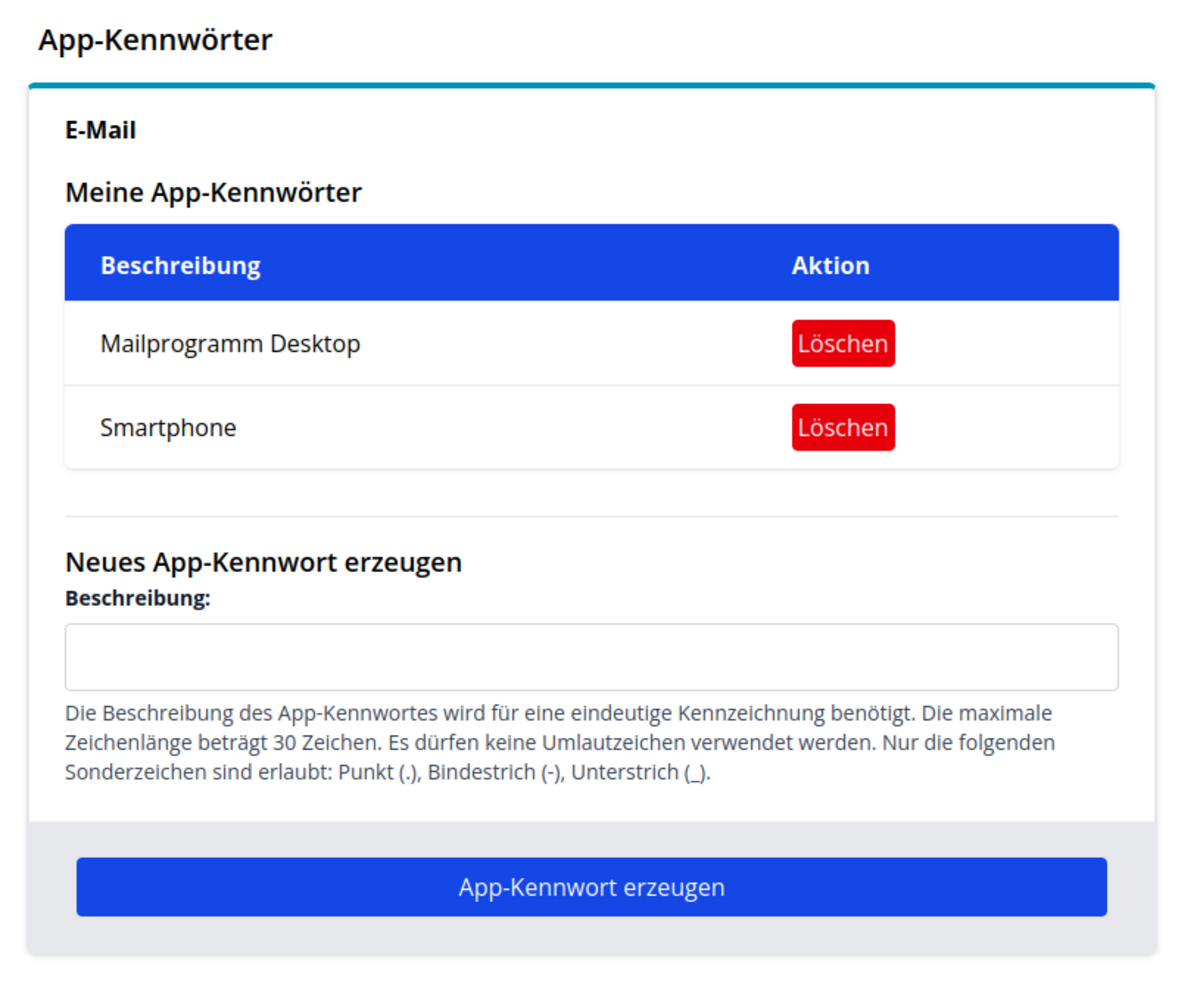
App Passwords
To protect the email system from phishing and other attacks, app passwords are used for our email system. These are passwords that only grant access to a single service. Ideally, a separate app password should be used for each device. Should a device go missing, the app password for that device can be easily deleted.
App passwords are created via account management. Go to the menu My Account -> App Passwords to set a unique identifier. The app password will then be displayed ONCE. Copy it into the relevant email programme and save it there.
For functional accounts, you can access the functional accounts for which you are responsible via the My Resources menu. When you click on the functional account, you can set it up using the App Passwords button.