
Mailing list server
The URZ operates a system for the centralised distribution of emails to recipient groups, some of which are very large - a so-called mailing list server. The mailing list server hosts discussion lists on various topics and projects, as well as for organisations and working groups. Subscribers to a mailing list can read posts and also discuss matters with one another.
In addition, there are also mailing lists where members are automatically added and their details updated. A distinction is made between the university’s central mailing lists and those run by the student representative bodies (StuPa, AStA, faculty councils). In the case of the latter, all members added automatically are always informed by email that they have been enrolled on the relevant list.
Overview central distribution lists
Login
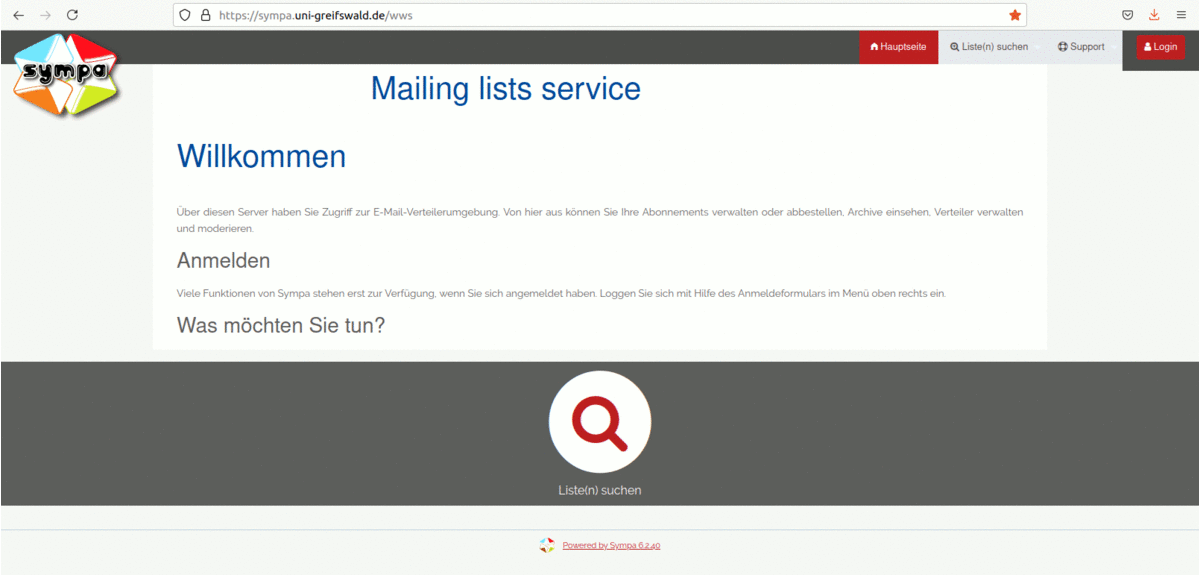
On the home page, under the ‘Search for lists’ menu item, only public mailing lists are displayed. Most lists are not public and are known only to the working groups, or are not displayed publicly for security reasons. Consequently, this list is rather short. To manage your own lists or subscriptions, you must click on the login button in the top right-hand corner of the website.
List overview

To view a list of all the lists you can moderate or have subscribed to, click on your email address in the top right-hand corner and select the “My Lists” menu option. To manage one of these lists, you must select the relevant list.
Information about the list
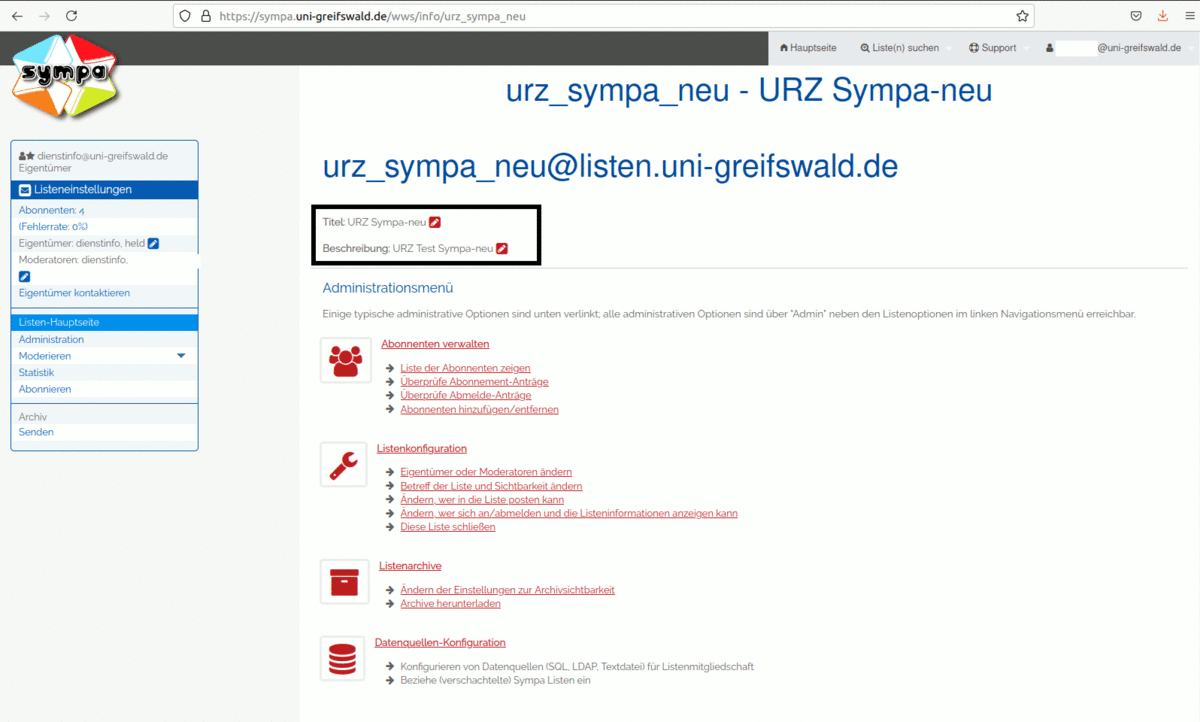
You can find a more detailed description of the list under the ‘List homepage’ menu item.
Processing moderation requests
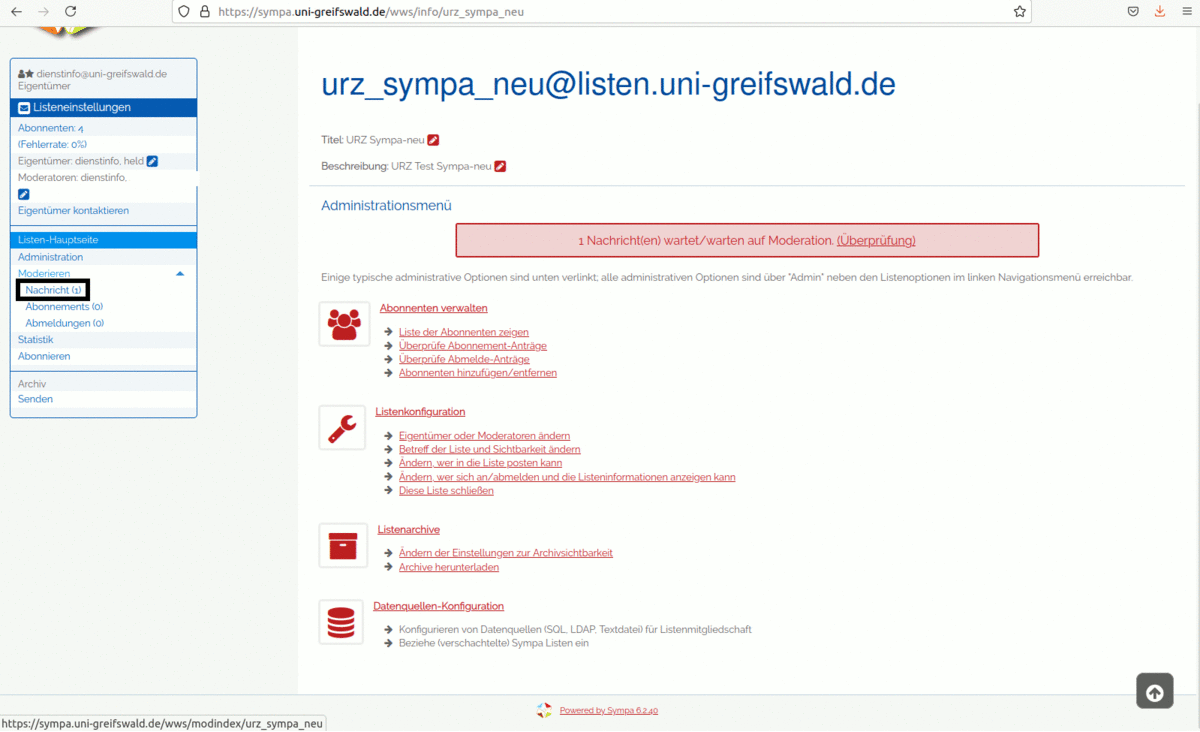
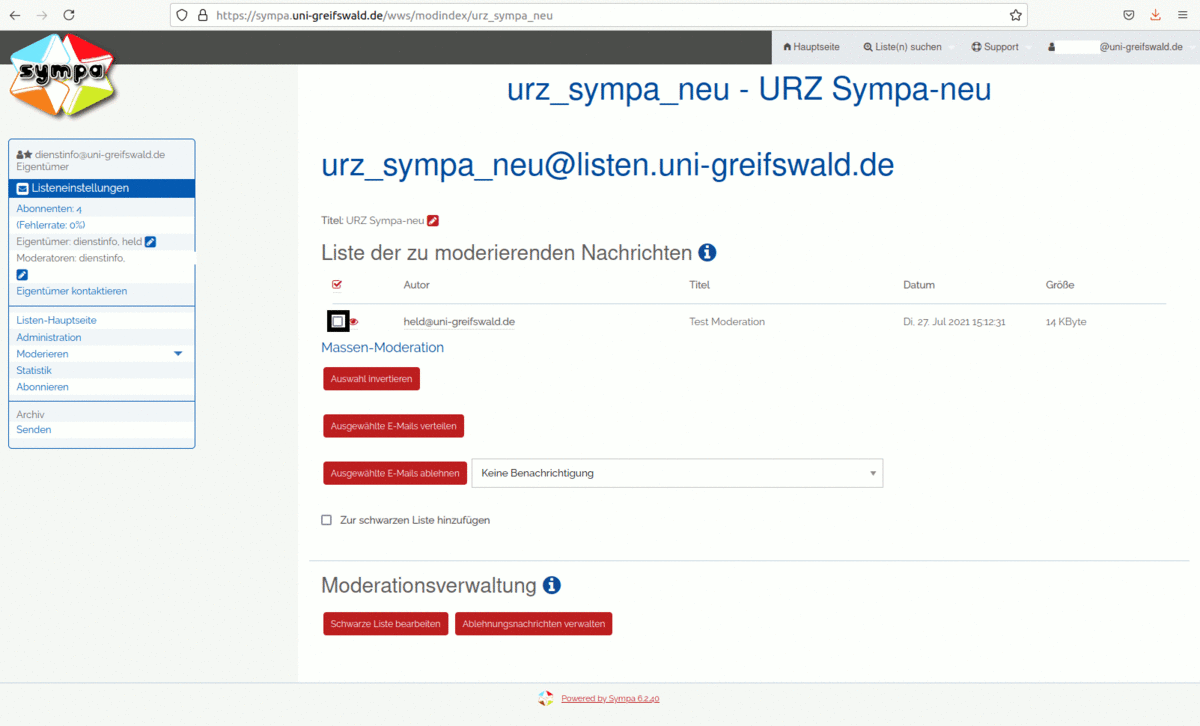
You can access the list of posts to be moderated via the ‘Moderate’ menu option.
Use the tick box to select the messages to be moderated, and then use the relevant menu options to forward them to all list members or reject them.
Submit post
To send a message to one of the mailing lists available to you, please enter the following address as the recipient:
LISTENNAME@listen.uni-greifswald.de
Replace LISTNAME with the relevant name of the mailing list.
You can also use the web interface very conveniently via the ‘Send’ button. Here, you can enter the subject (title) and the text of your message and send it to the list by clicking the ‘Send to selected recipient’ button.
Depending on the configuration of the mailing list, your message will either be delivered directly to all list members or will need to be approved by the list moderator first.
Request a list
You can apply for a new mailing list entirely online as a resource via the account management.
Guidance on completing the form.
- The following structure applies to the names of the lists.
organisation_name_working_group/project Lists for working groups or projects
fsr_student_representative_body_name Discussion lists through which
FSR members exchange information
stud_degree_subject Distribution lists comprising students
of a particular degree subject - In the description, please specify how the list will function.
e.g. distribution list or discussion list; who is permitted to post
Mailing lists are only set up once there are at least 10 list members.
For smaller distribution lists, functional accounts with appropriate Sieve rules can be used.