Digital signature verification in the groupware’s email module
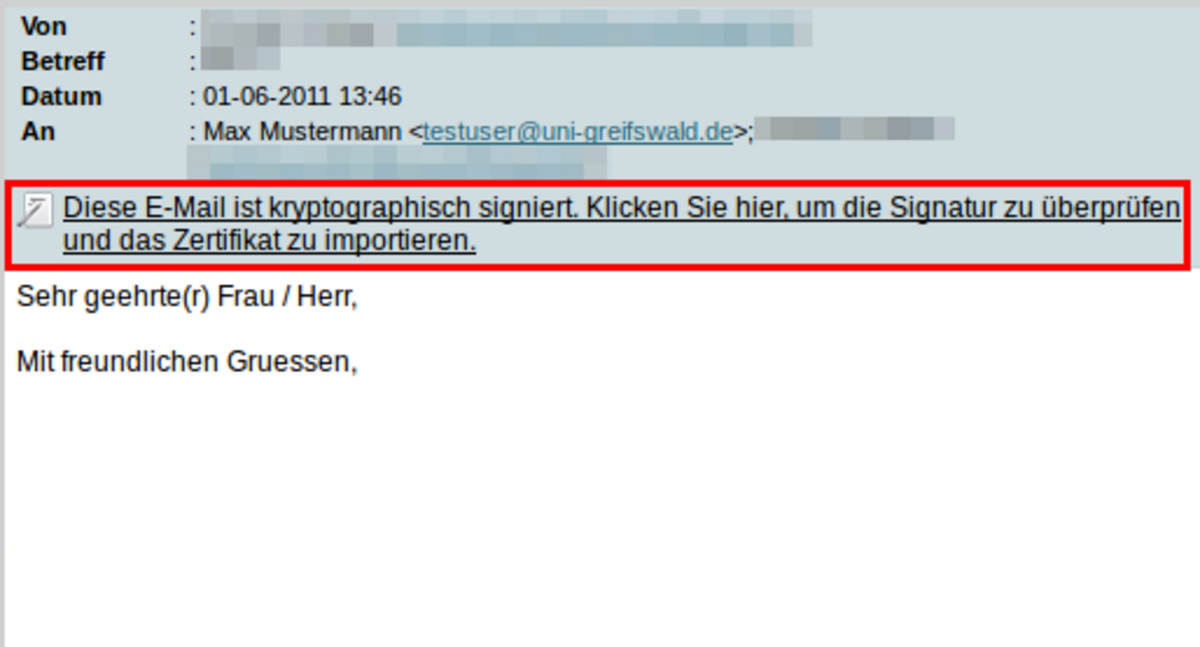
If you receive a signed email, it is indicated by the link marked in red in the following illustration.
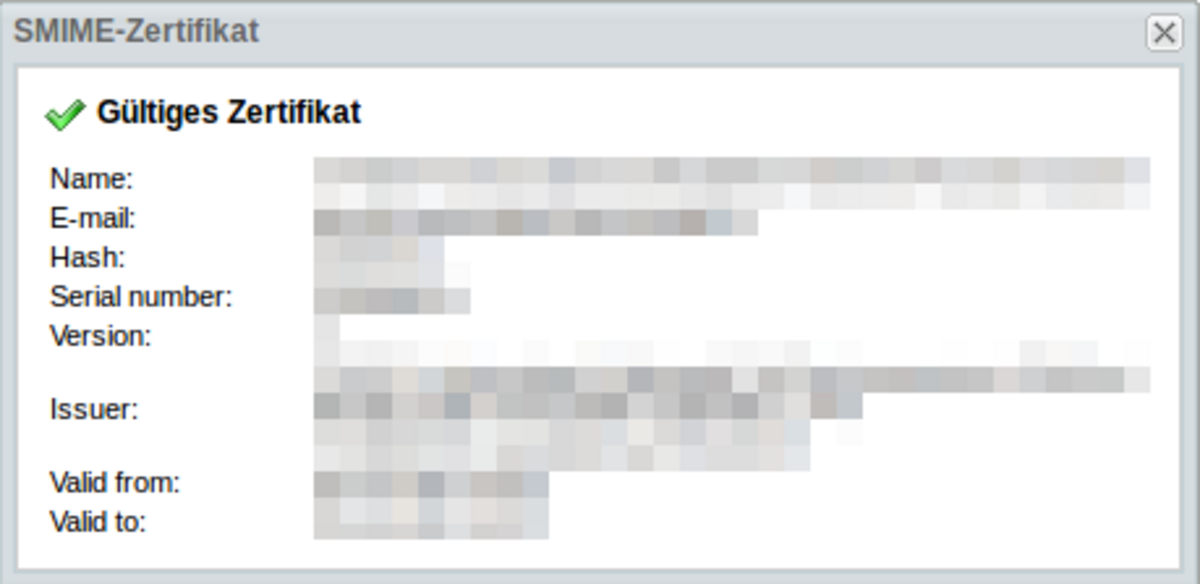
Clicking on the link verifies the email’s signature. This opens an information window which, ideally, will display a valid certificate as shown in the figure below. If you see this, the email comes from the sender stated and is genuine!