Digital signature verification in Outlook
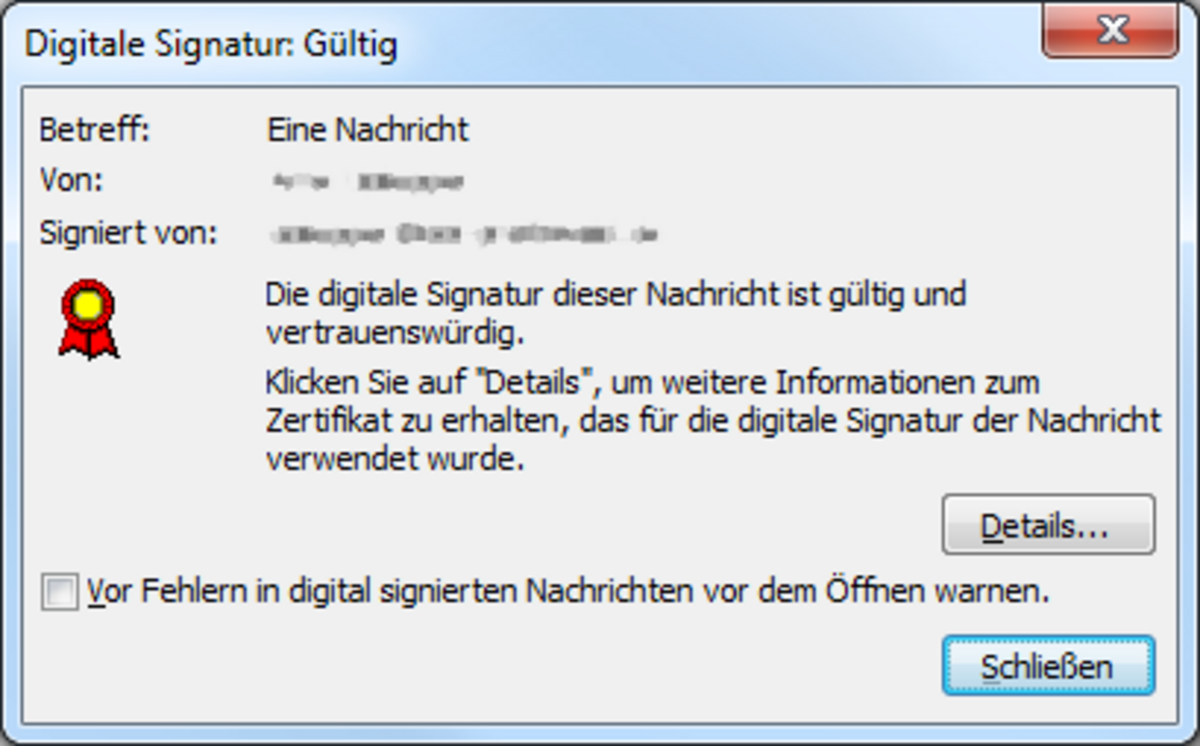
If an email has been digitally signed, it is marked with a special icon (seal). If you see this icon and the sender’s address is correct, the email is genuine!
If you click on the seal icon, you will see further information about the digital signature.
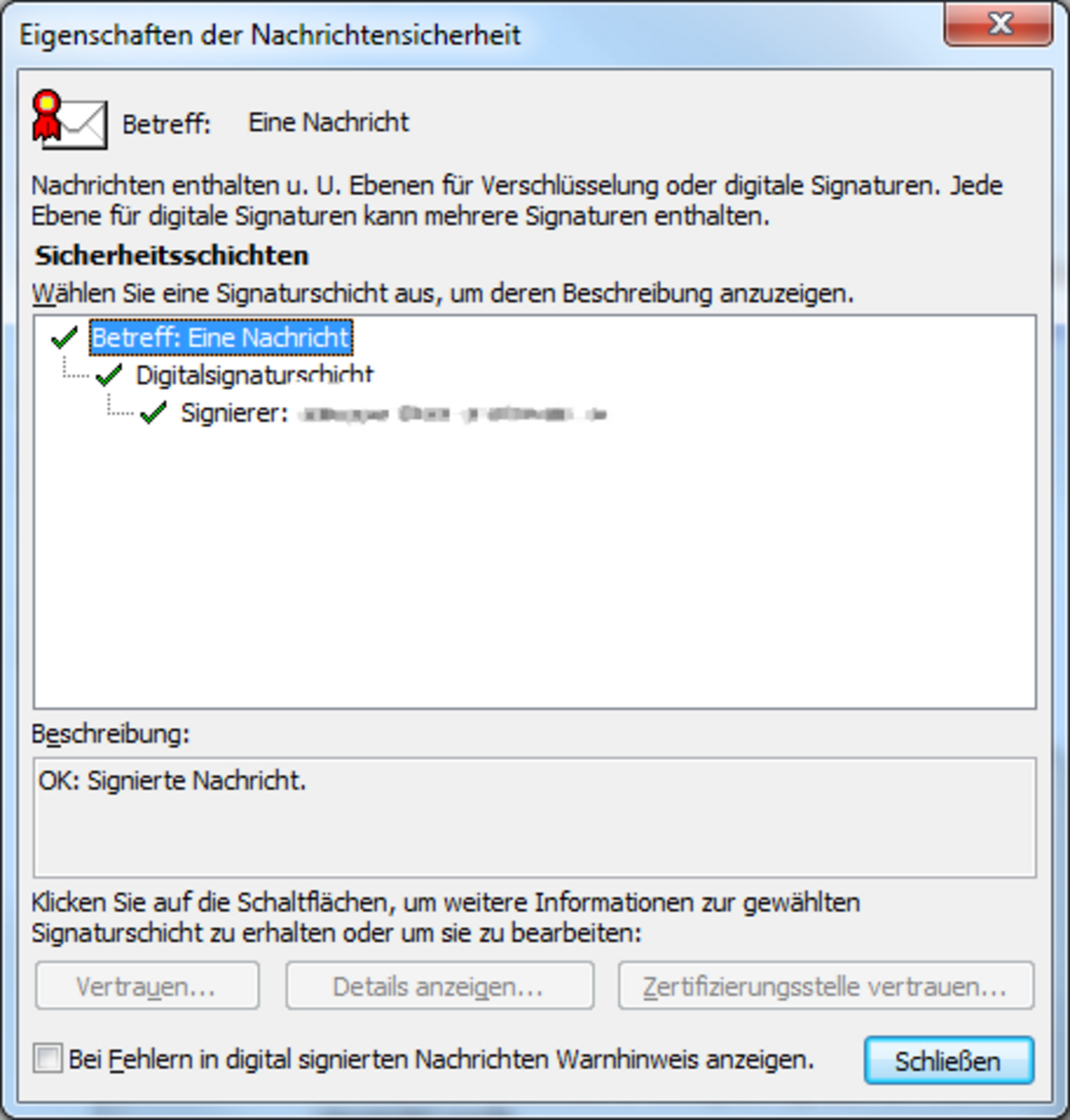
For users who are particularly interested, there is also a Details button, which allows you to view all the information contained in the certificate.