Signing and Encrypting with Mozilla Thunderbird
Here you can find out how to sign emails in a way that prevents forgery and encrypt them using state-of-the-art technology that cannot be cracked.
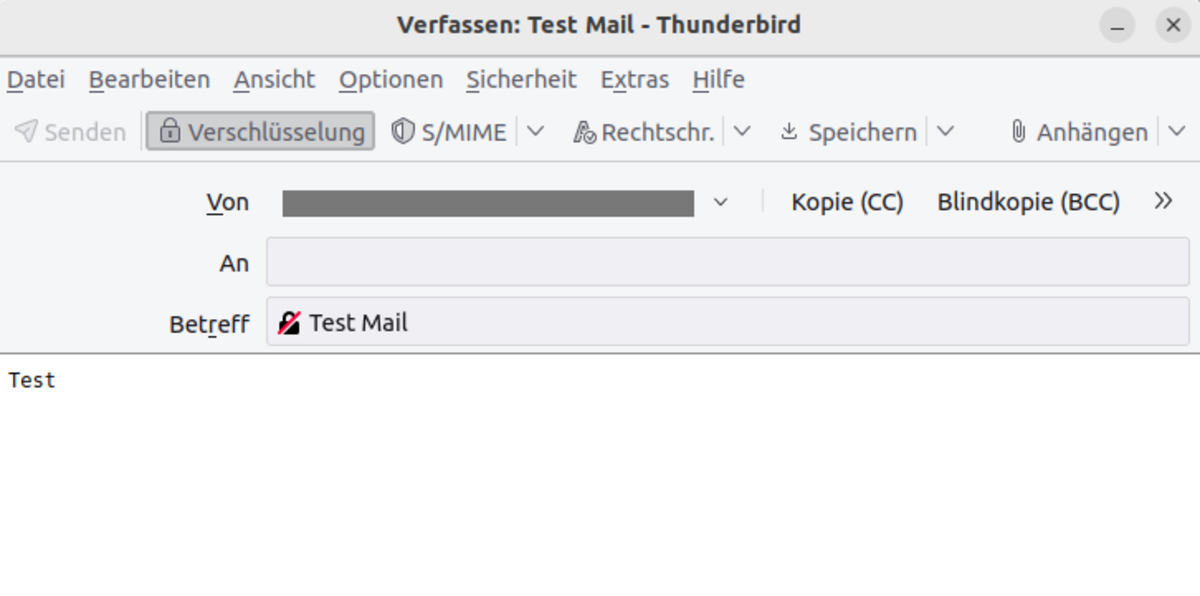
Once you have imported your certificate into Thunderbird as described, any emails you write will now be signed automatically. You can also choose to encrypt them by selecting the Encrypt button from the menu. A small padlock will then appear in the subject line. The general S/MIME functions can be accessed via the S/MIME button in the menu.