Setup Central address book in macOS
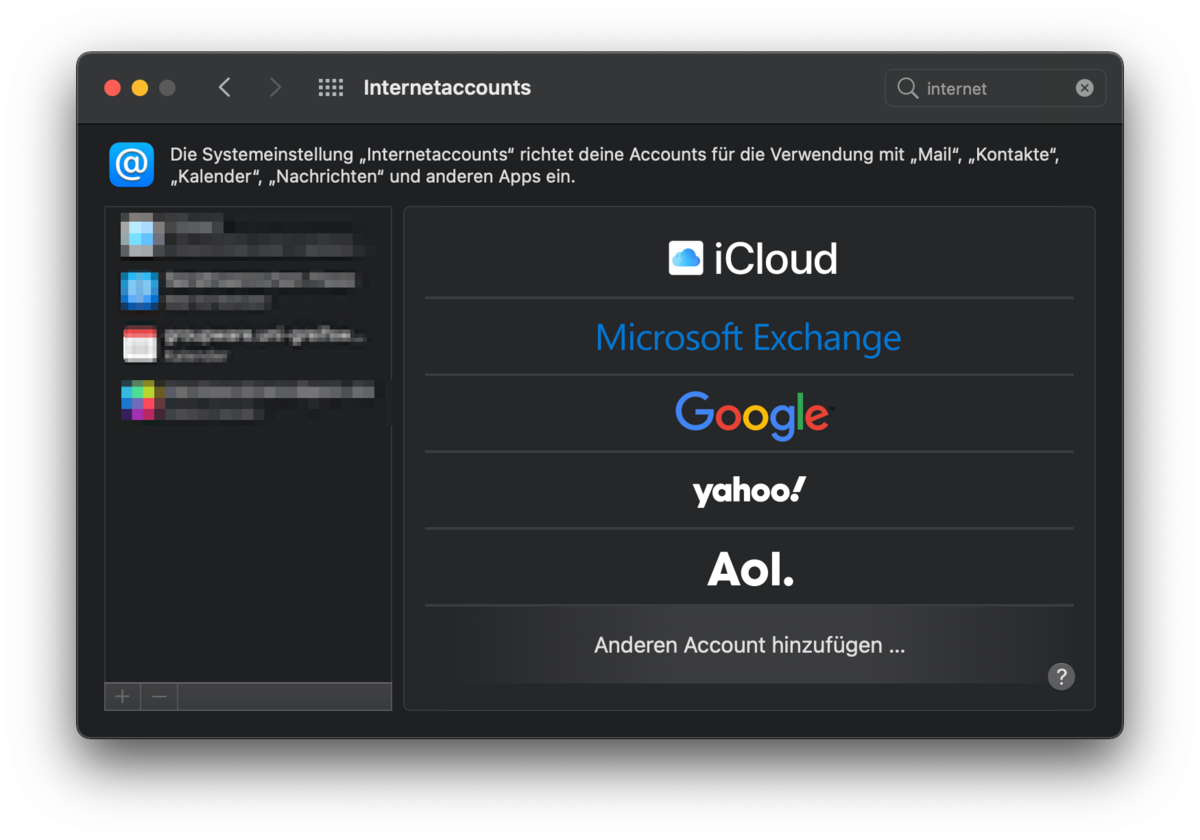
Go to System Preferences and open the Internet Accounts application (see Figure 1).
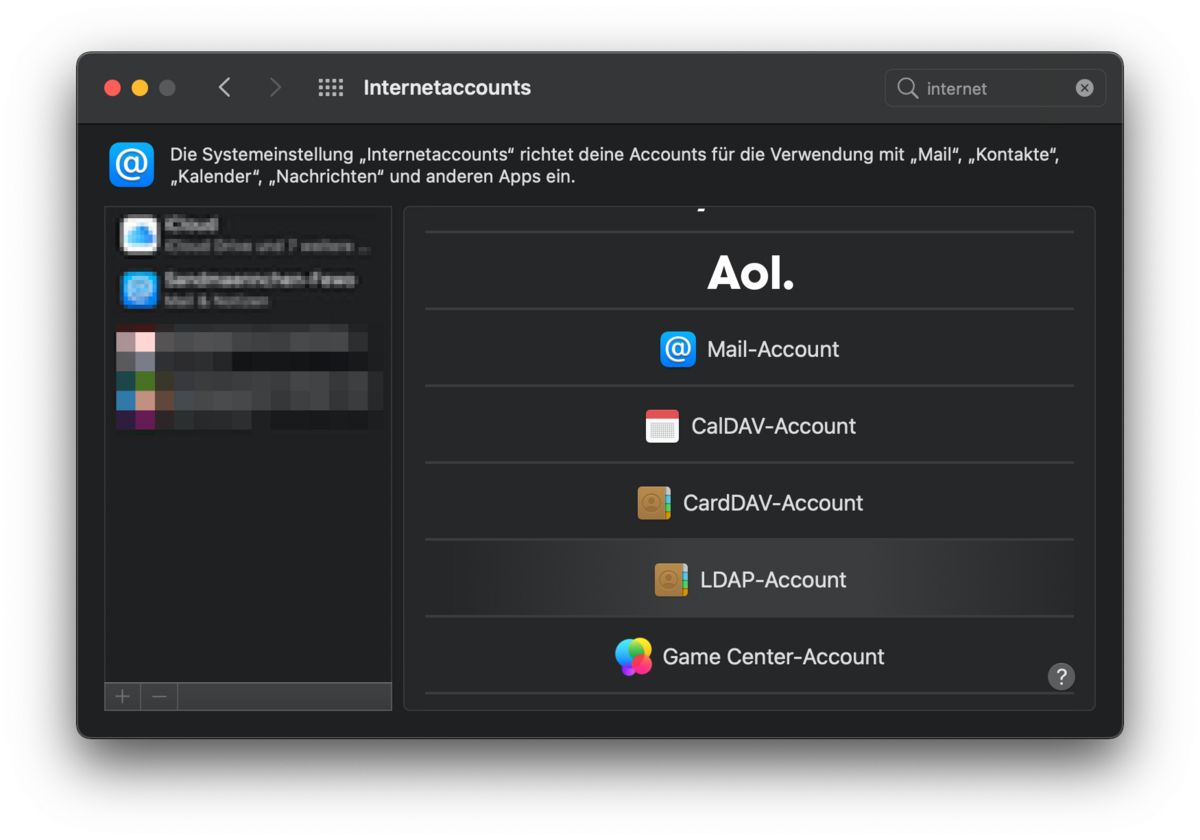
Now, under Add Another Account…, select the LDAP account (see Figure 2).
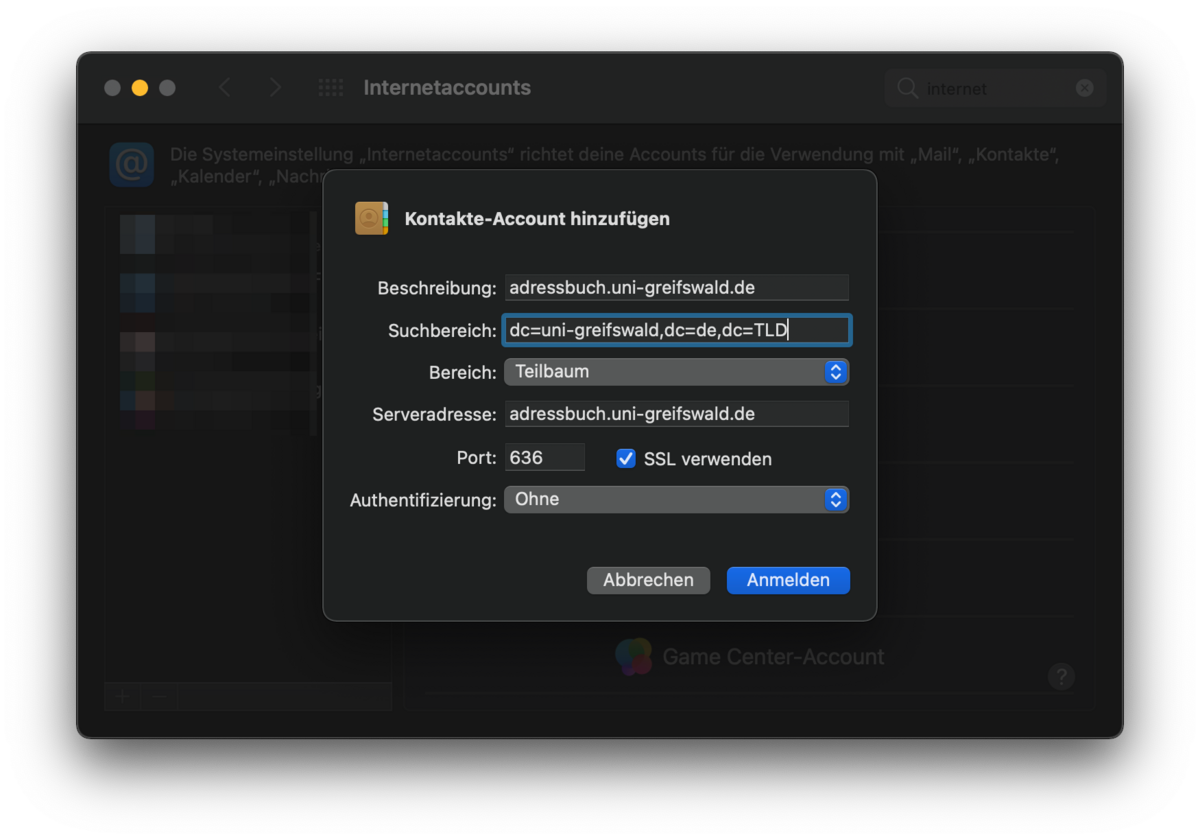
Now enter the required details, as shown in Figure 3 below.
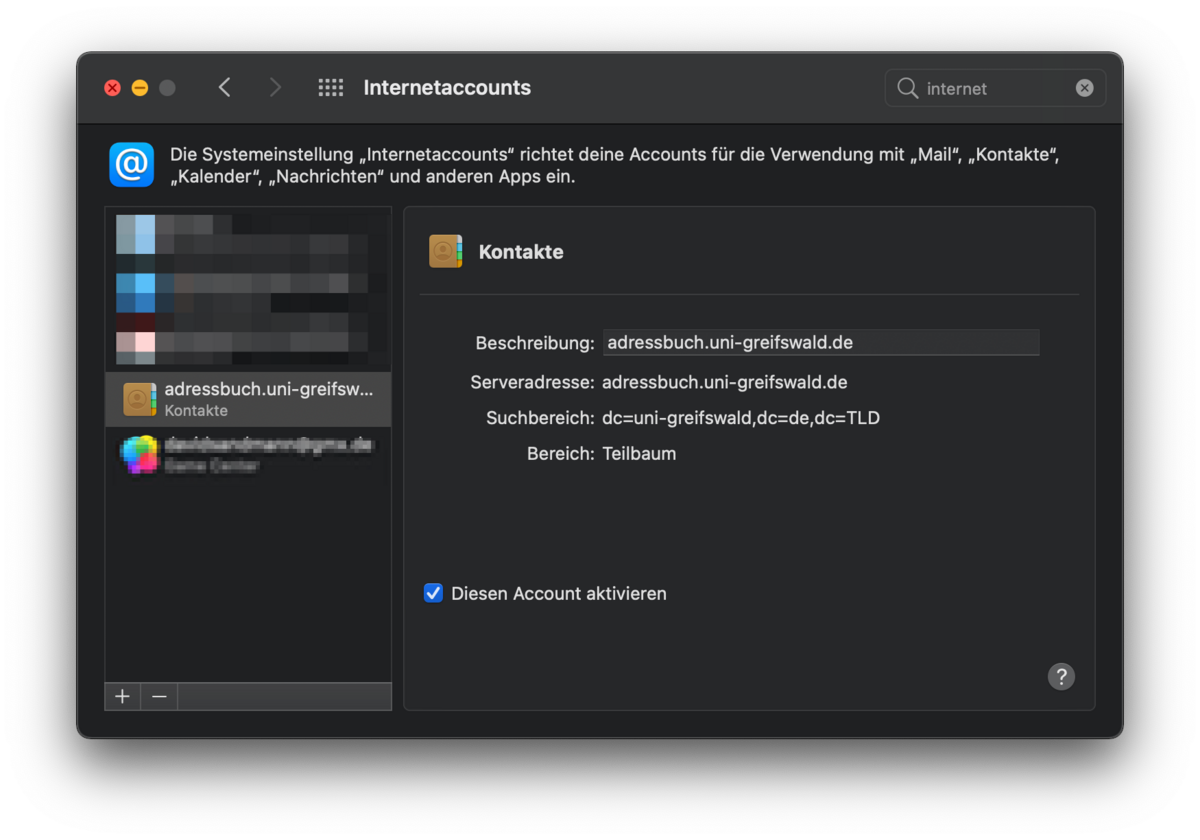
The new account will then appear in the list (see Figure 4).
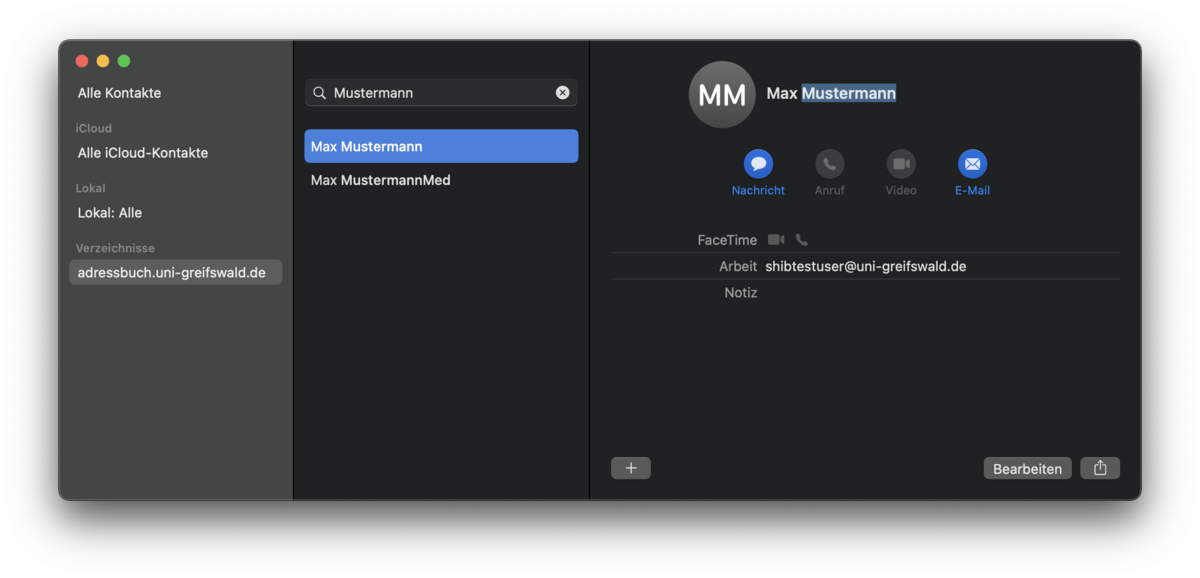
You can now search for staff members using the Contacts app (see Figure 5).