FreeOTP: Create TOTP Code
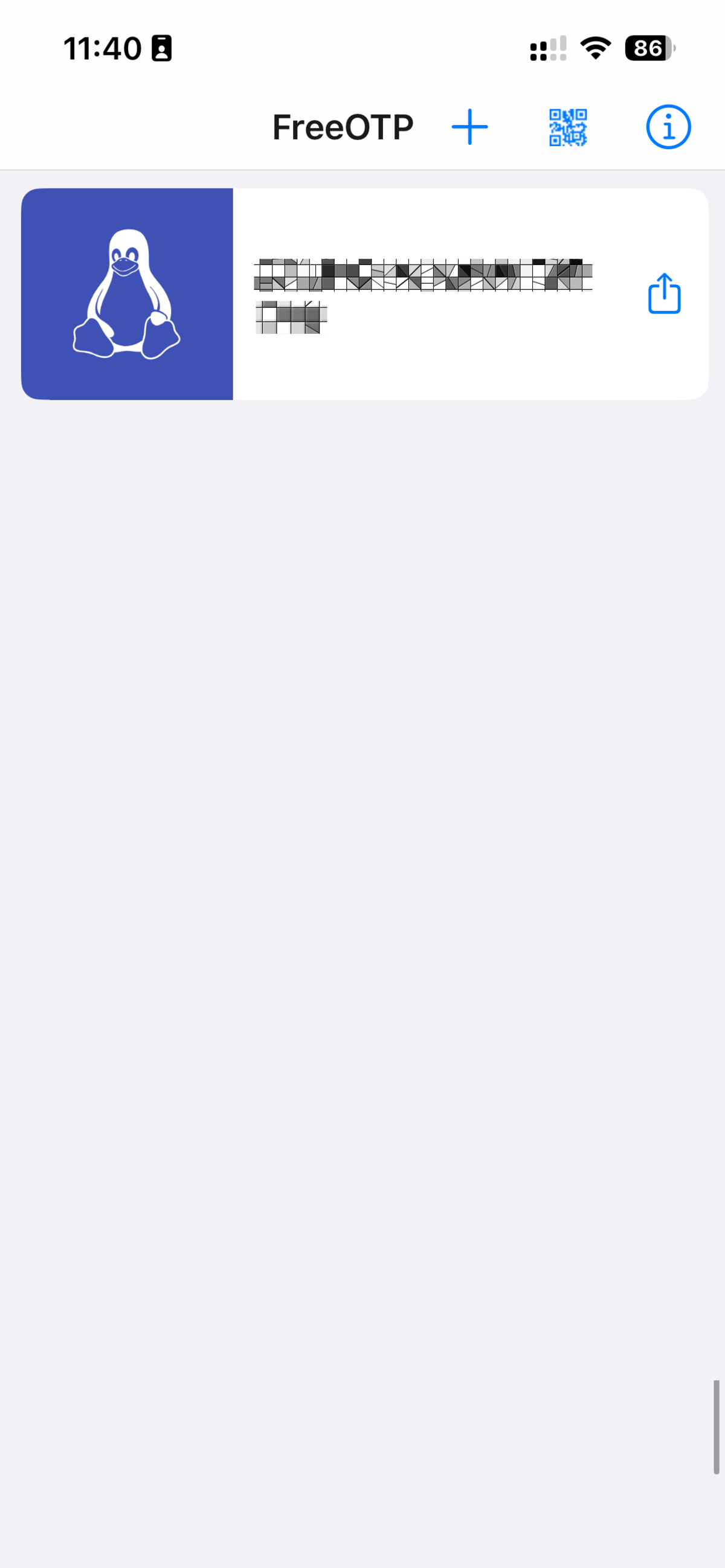
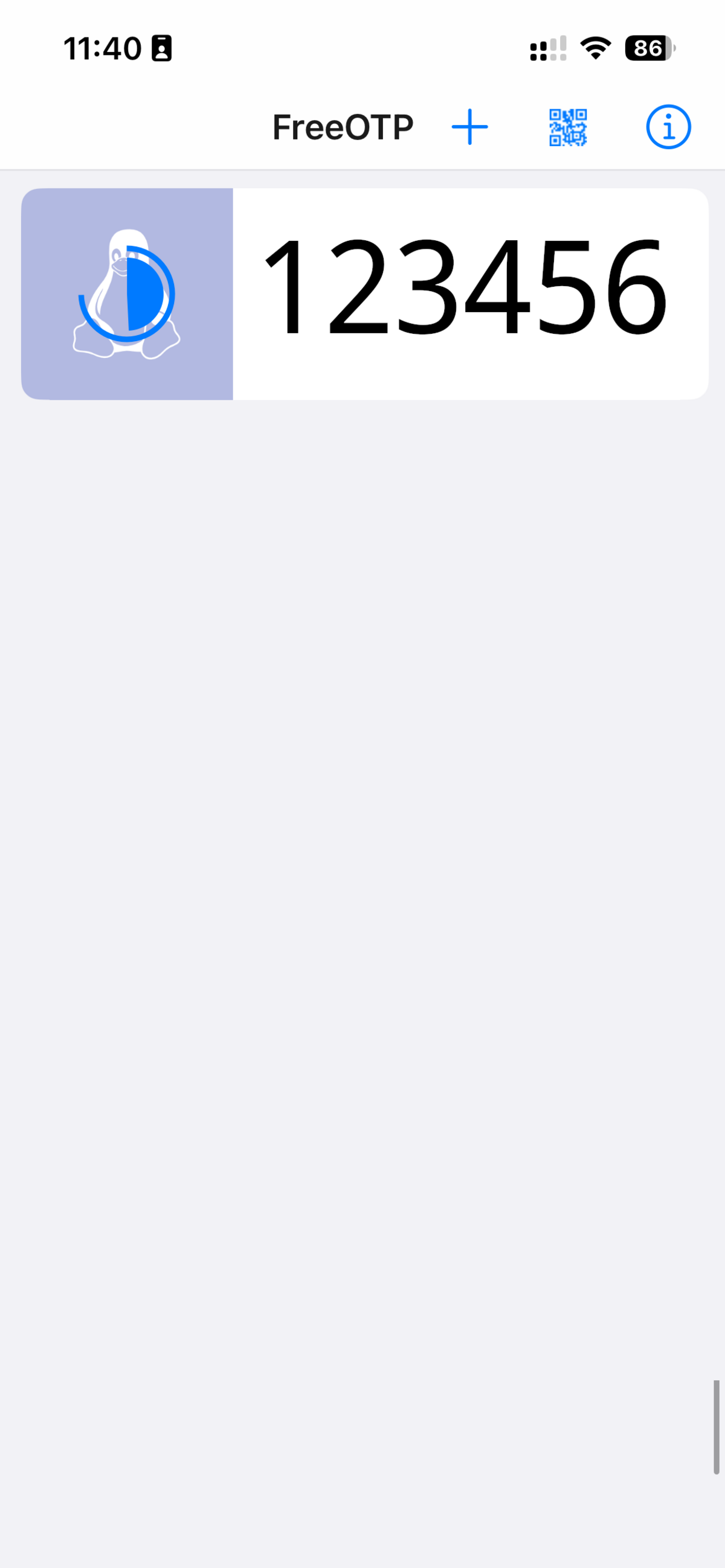
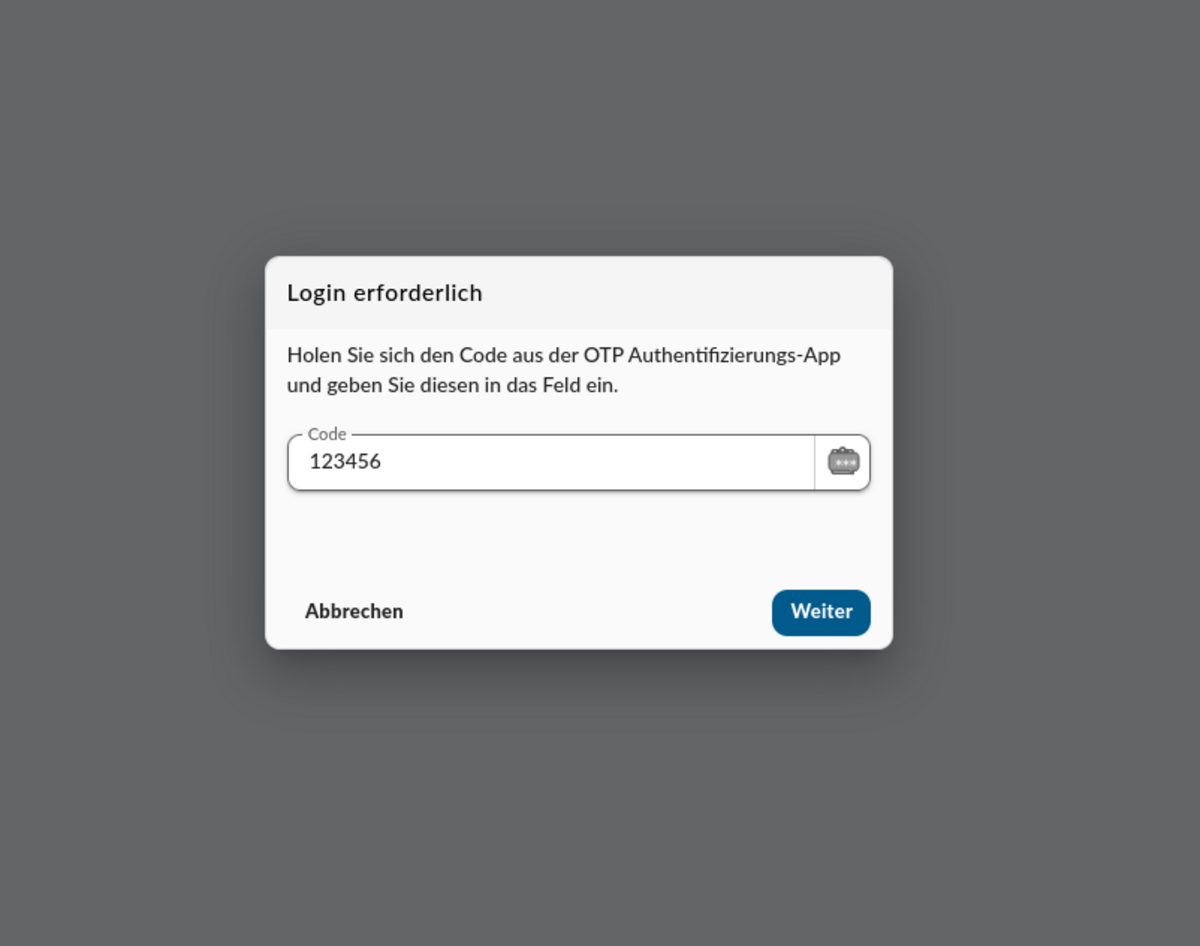
To retrieve the TOTP code for an entry in FreeOTP, follow the instructions in the images below. Please note that the TOTP code displayed is only valid for a maximum of 30 seconds.
- Select your entry in FreeOTP for your account.
- You will see a six-digit code. If you are running out of time, wait a moment until you can generate a new code that is valid for 30 seconds.
- Enter the generated TOTP code into the “TOTP Code” or “Code” field in the app you wish to log in to. If you are using two devices, enter the TOTP code manually.
- If you are using only one device, such as a smartphone, tap the share icon, then tap “Copy to clipboard”.
- Return to the application and long-press the “TOTP code” or “Code” field, then tap “Paste”.
- Confirm your entry by tapping the “Confirm” or “Next” button.