Requirements
To set up the email service successfully on an Android device, the following requirements have to be fulfilled:
- The device must have internet access (see, Wi-Fi / eduroam).
- You must have a valid and active user account / functional account (see: Central User Account).
Step by step
The URZ recommends the Thunderbird app for setting up an email account on an Android device.
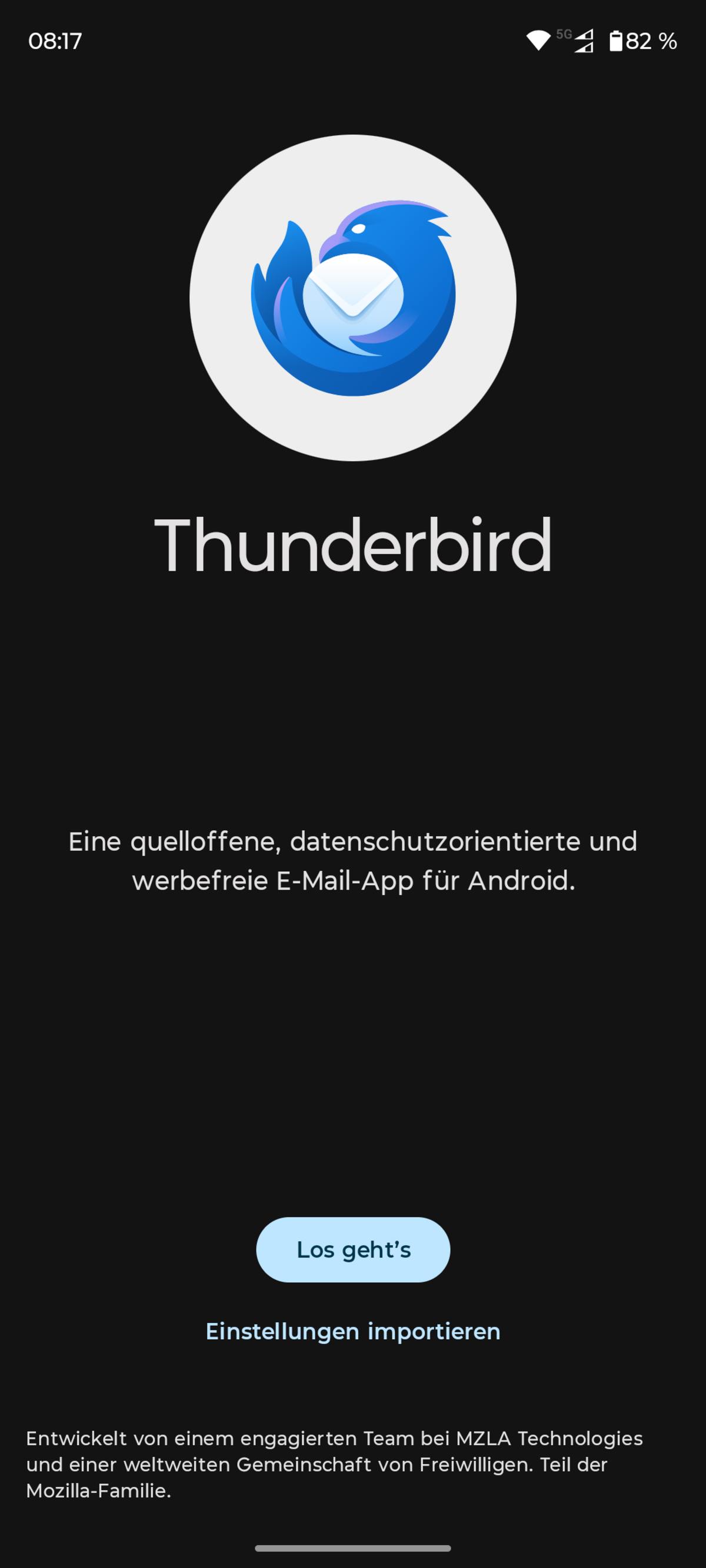
- Once Thunderbird has been installed on your device, open it.
- Tap Let's get started to begin the manual setup.
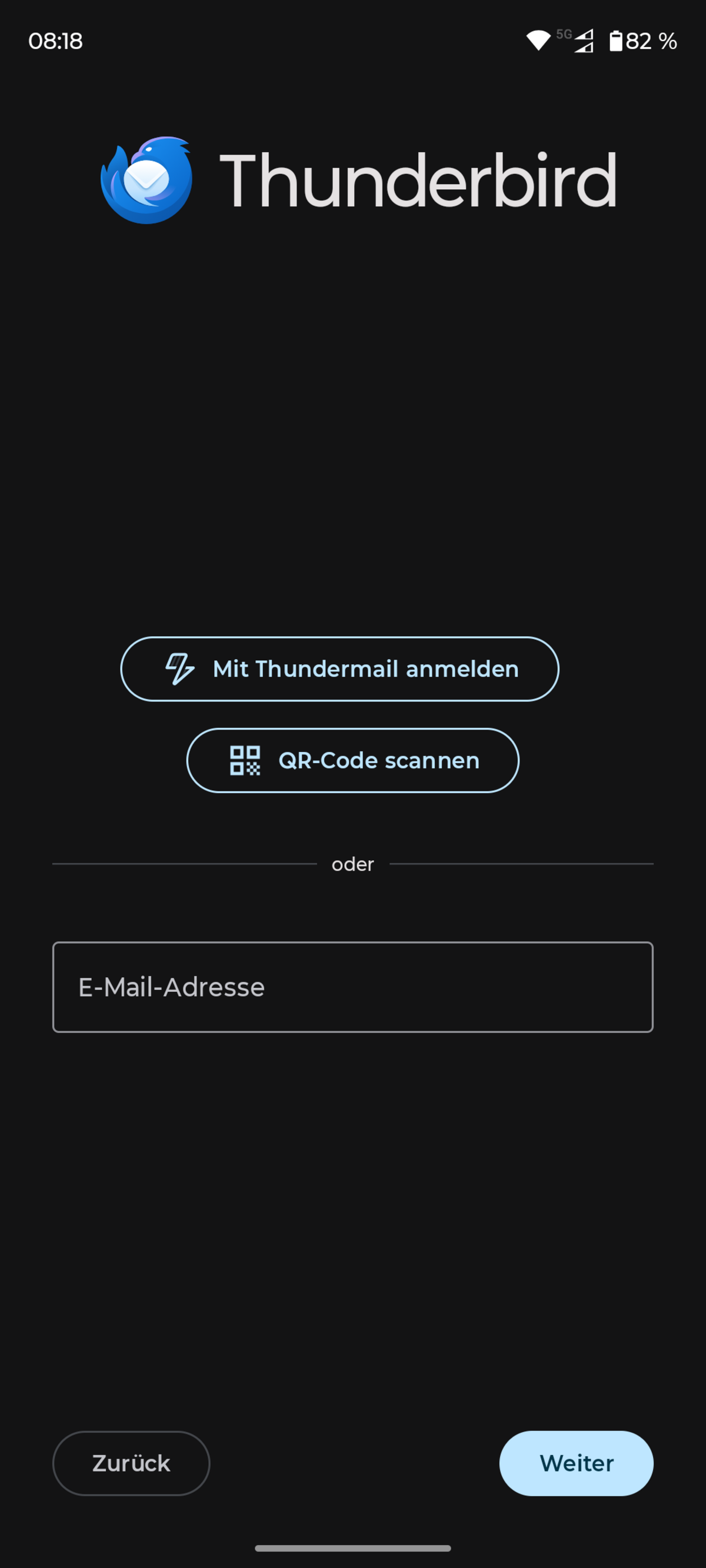
- Select Add an email account.
- Enter your email address.
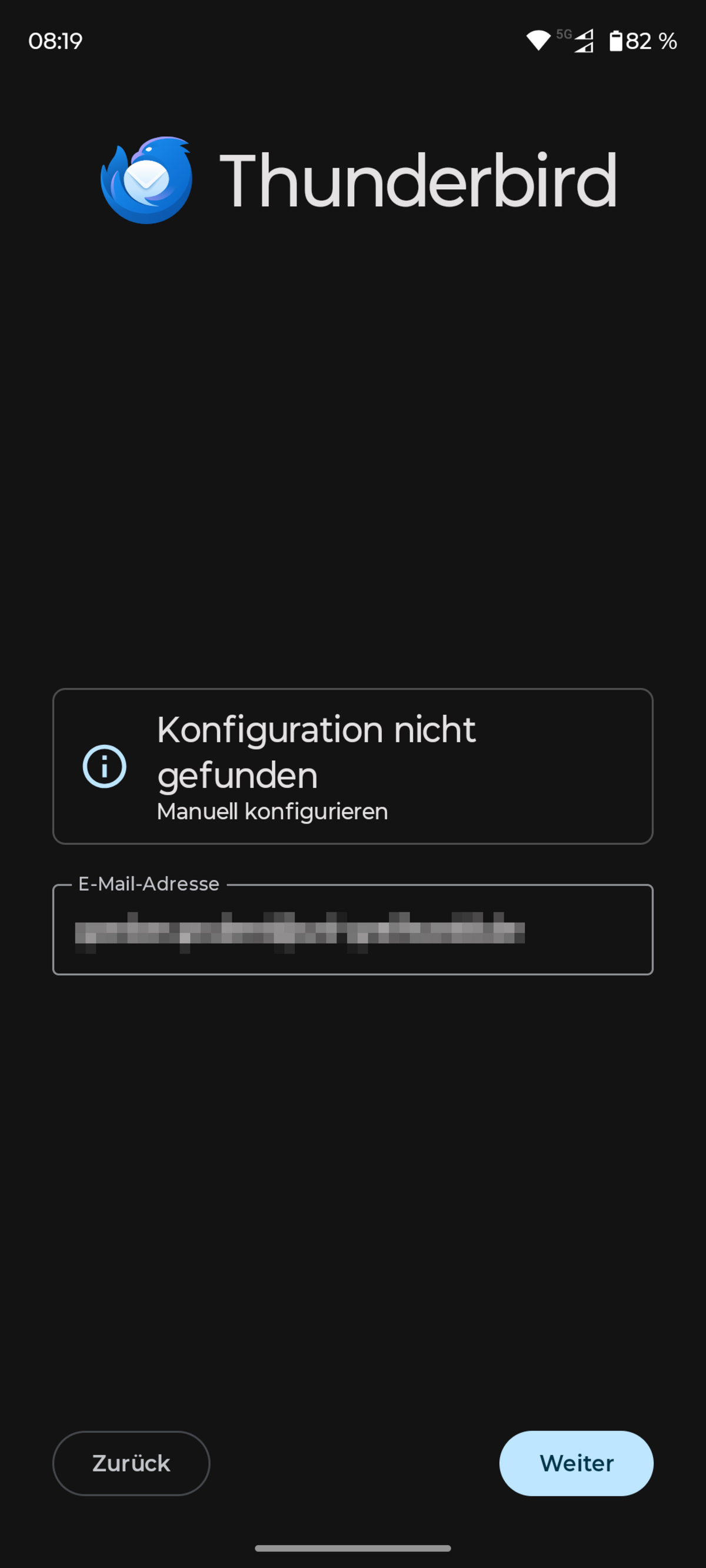
- As the automatic configuration cannot be found, click on Configuration not found/Configure manually.
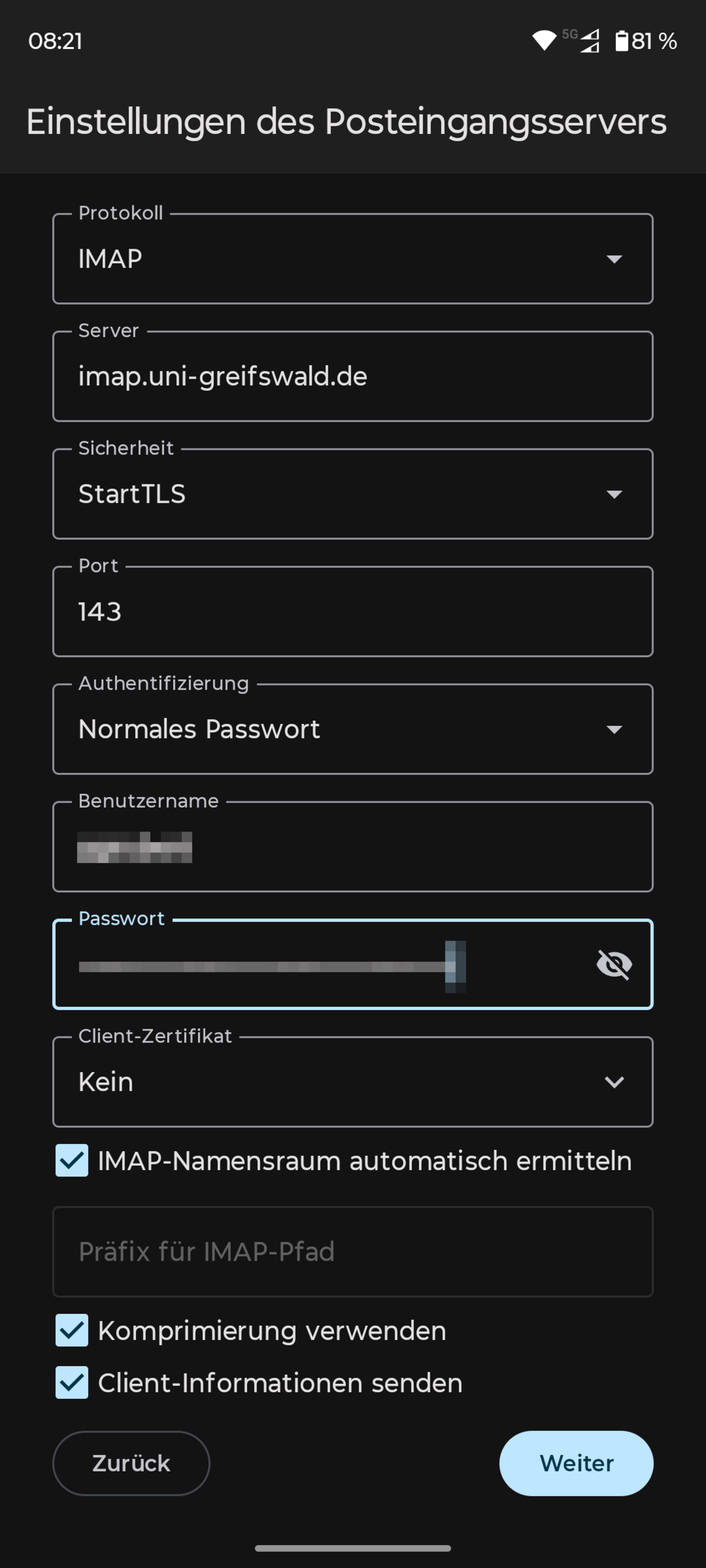
- Set the following values for the incoming mail server:
- Server: imap.uni-greifswald.de
- Security: StartTLS
- Username: URZ username
- Password: app password
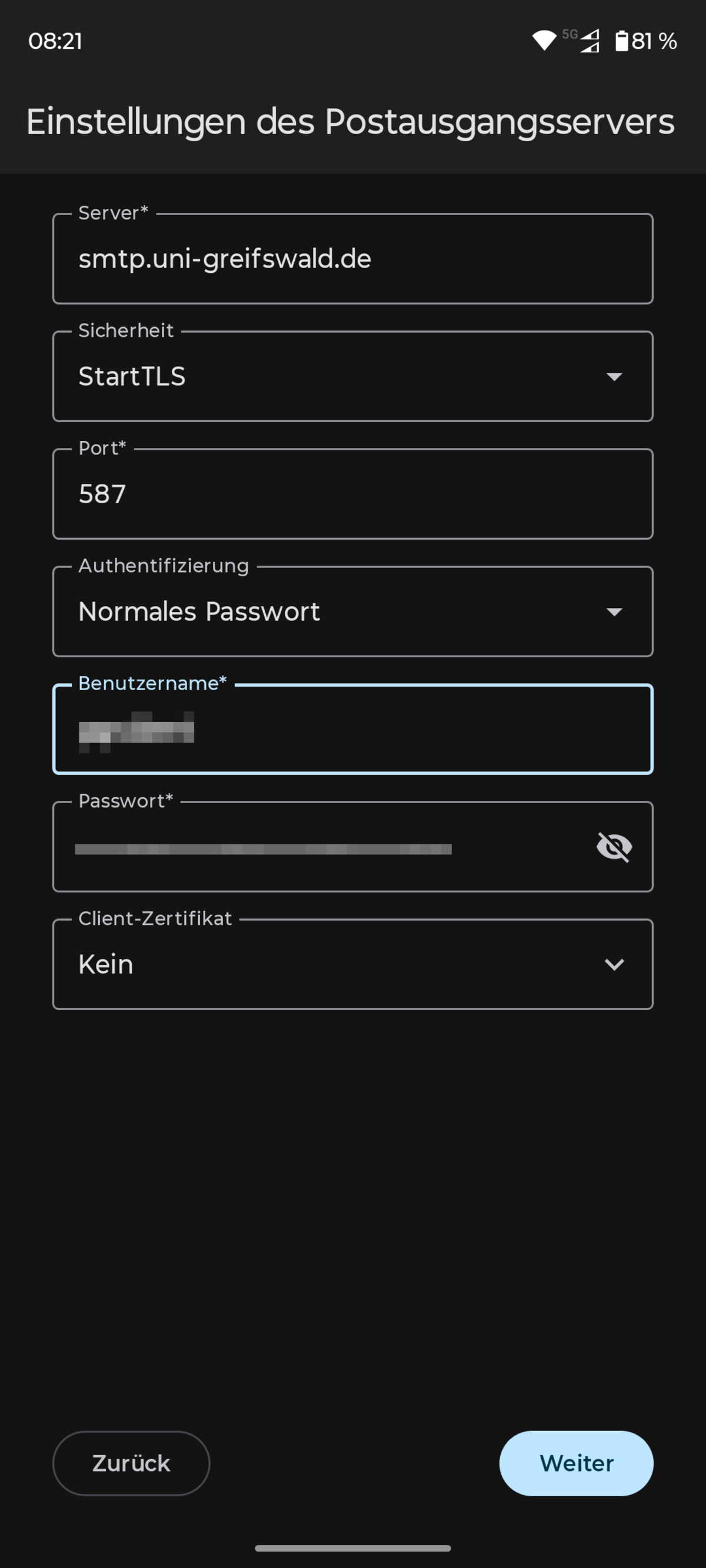
- The next step is to configure the outgoing mail server:
- Server: smtp.uni-greifswald.de
- Security: StartTLS
- Username: URZ username
- Password: app password
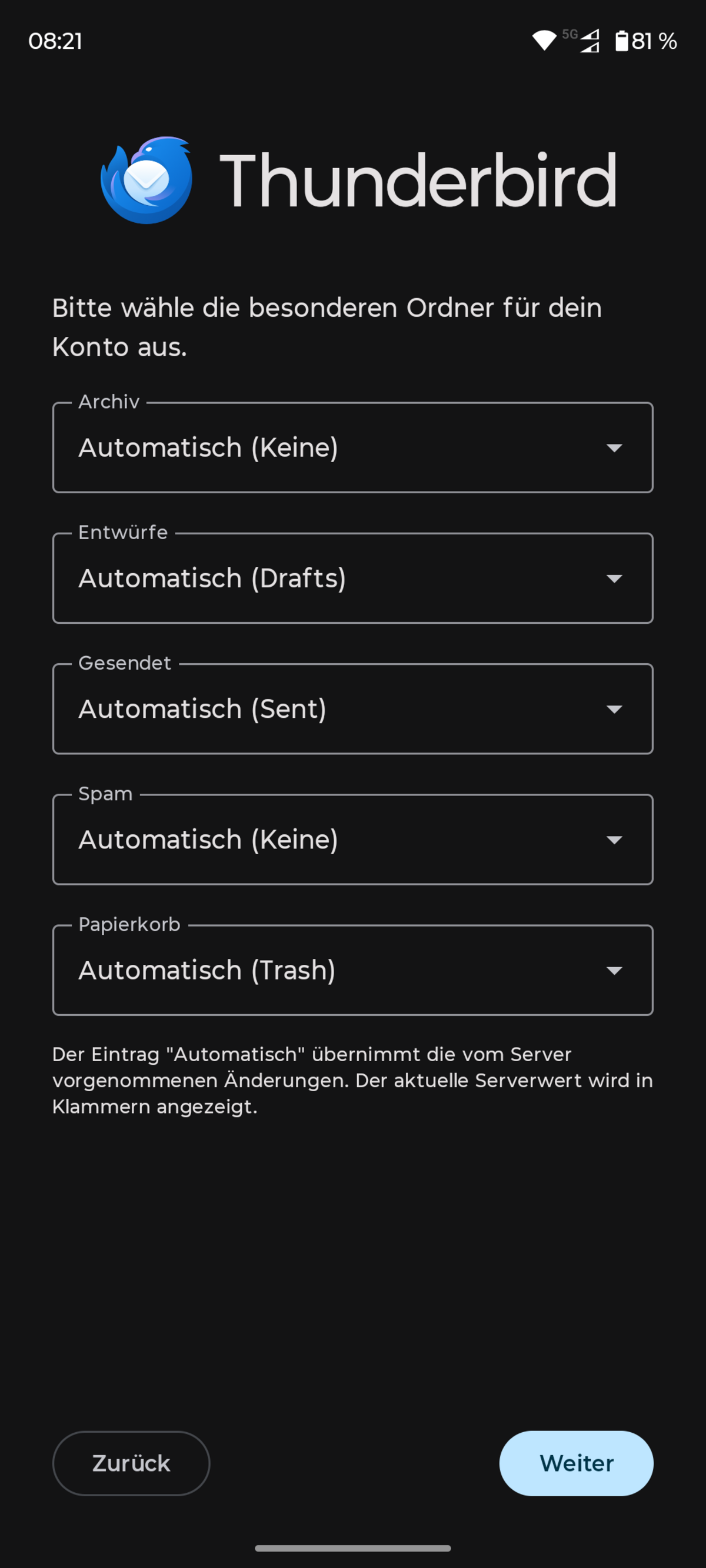
- Leave the folder settings unchanged.
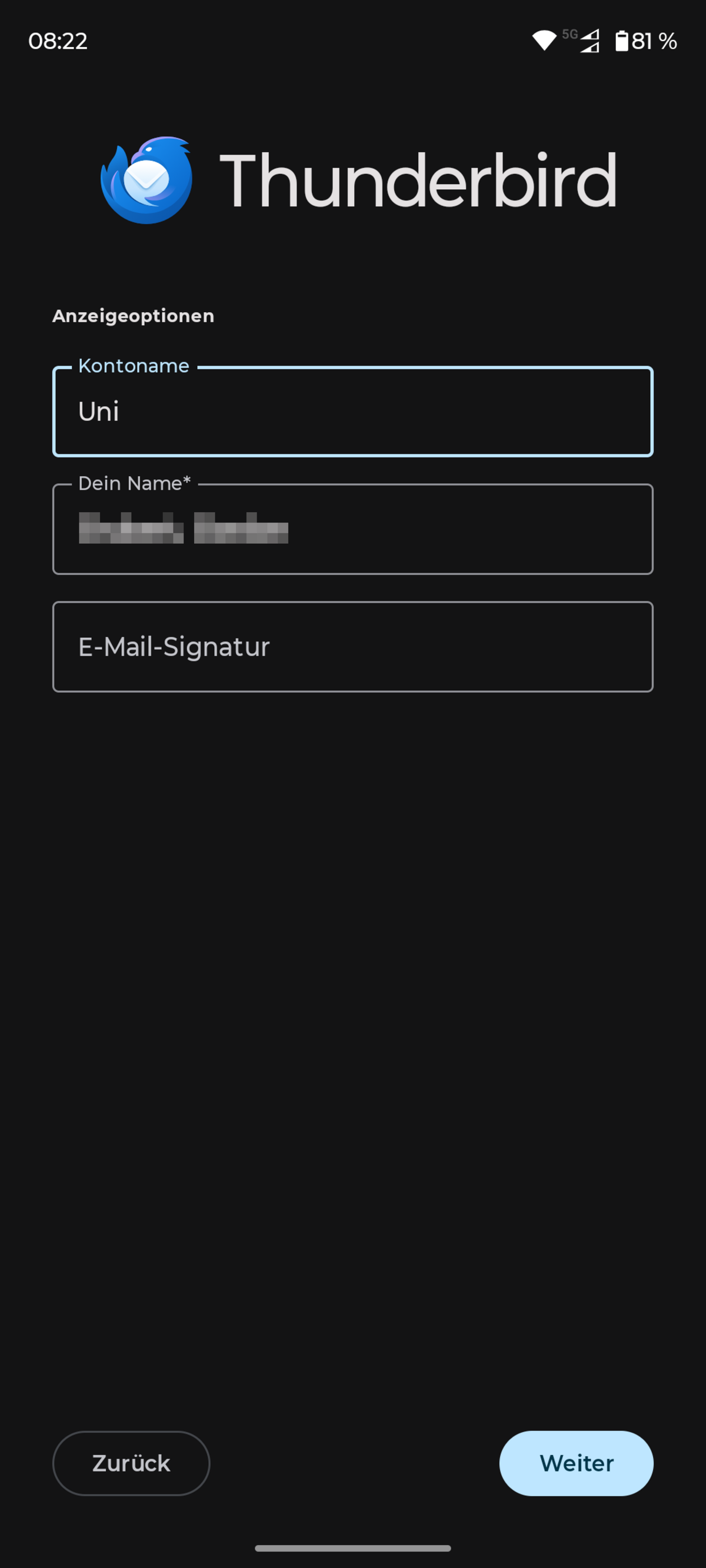
- In the display options, give the new account a name and enter your own name. This will appear as the sender when you send emails.
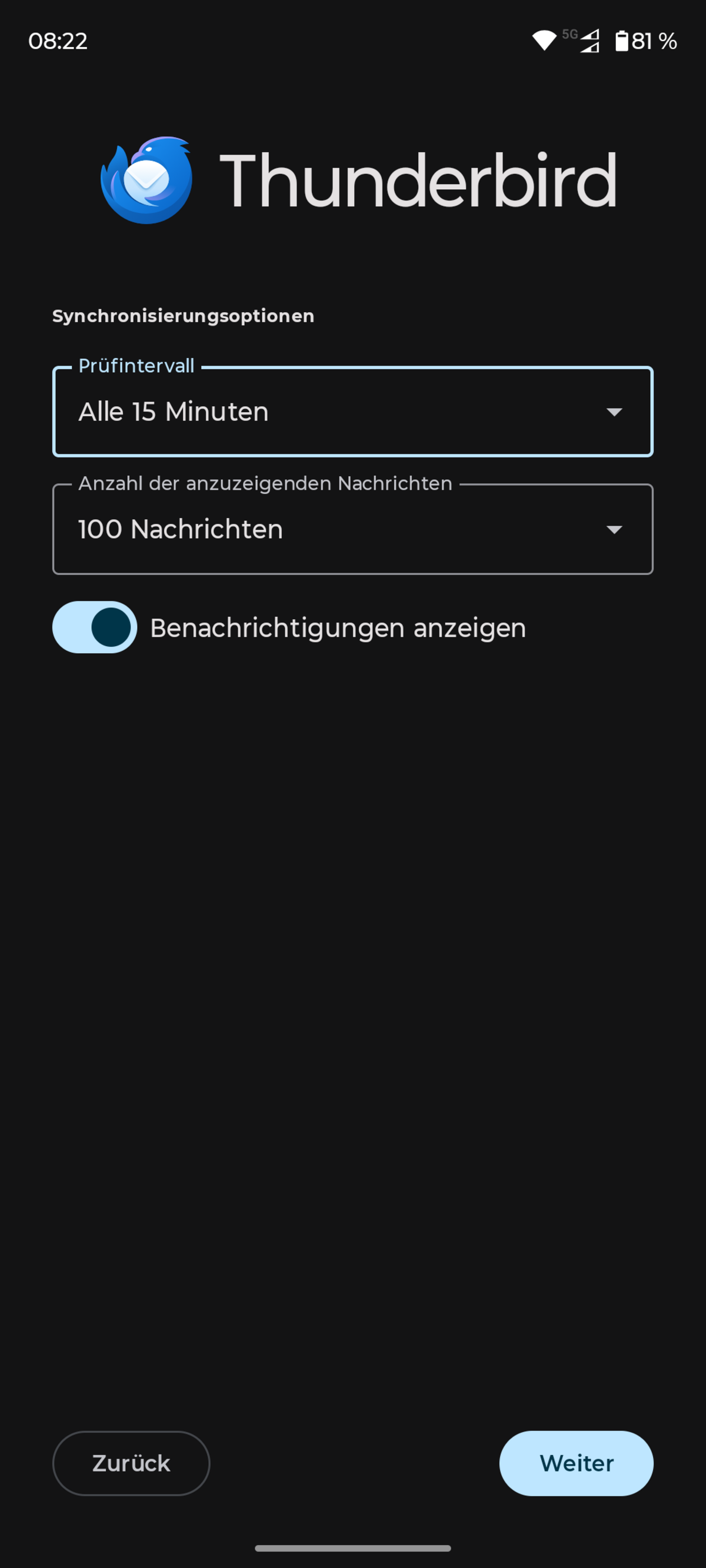
- Leave the synchronization settings unchanged.
- Done.